> ## Documentation Index
> Fetch the complete documentation index at: https://docs.casebender.com/llms.txt
> Use this file to discover all available pages before exploring further.
# Templates
> Create and manage templates to standardize case creation and response procedures in your security operations.
## Overview
The Templates section allows you to create and manage predefined templates for various aspects of your security operations. Templates help ensure consistency, save time, and standardize processes across your organization by providing ready-to-use configurations for cases, tasks, and workflows.

 ## Managing Templates
### Creating a New Template
Click the "Create" button to start creating a new template:
## Managing Templates
### Creating a New Template
Click the "Create" button to start creating a new template:
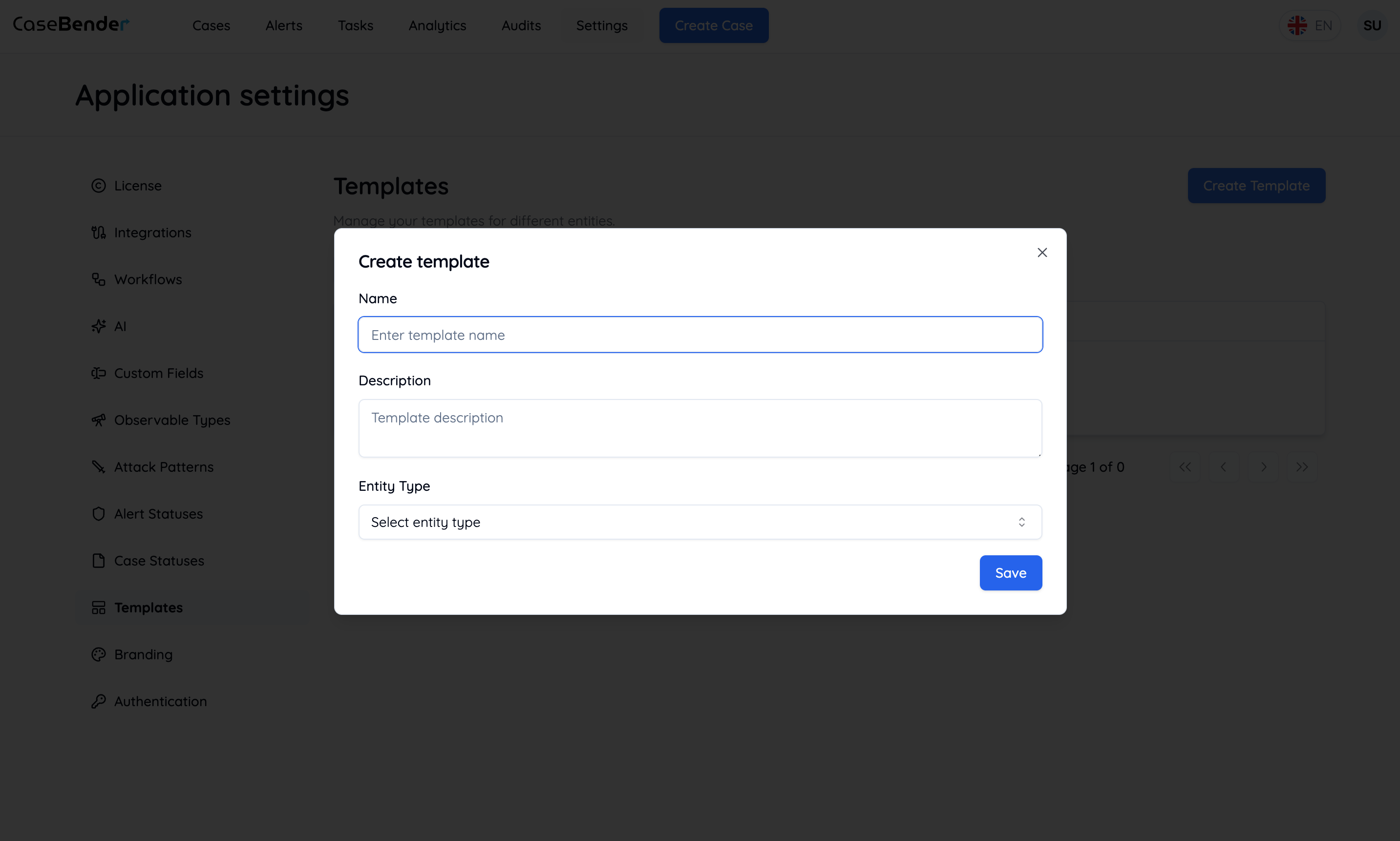
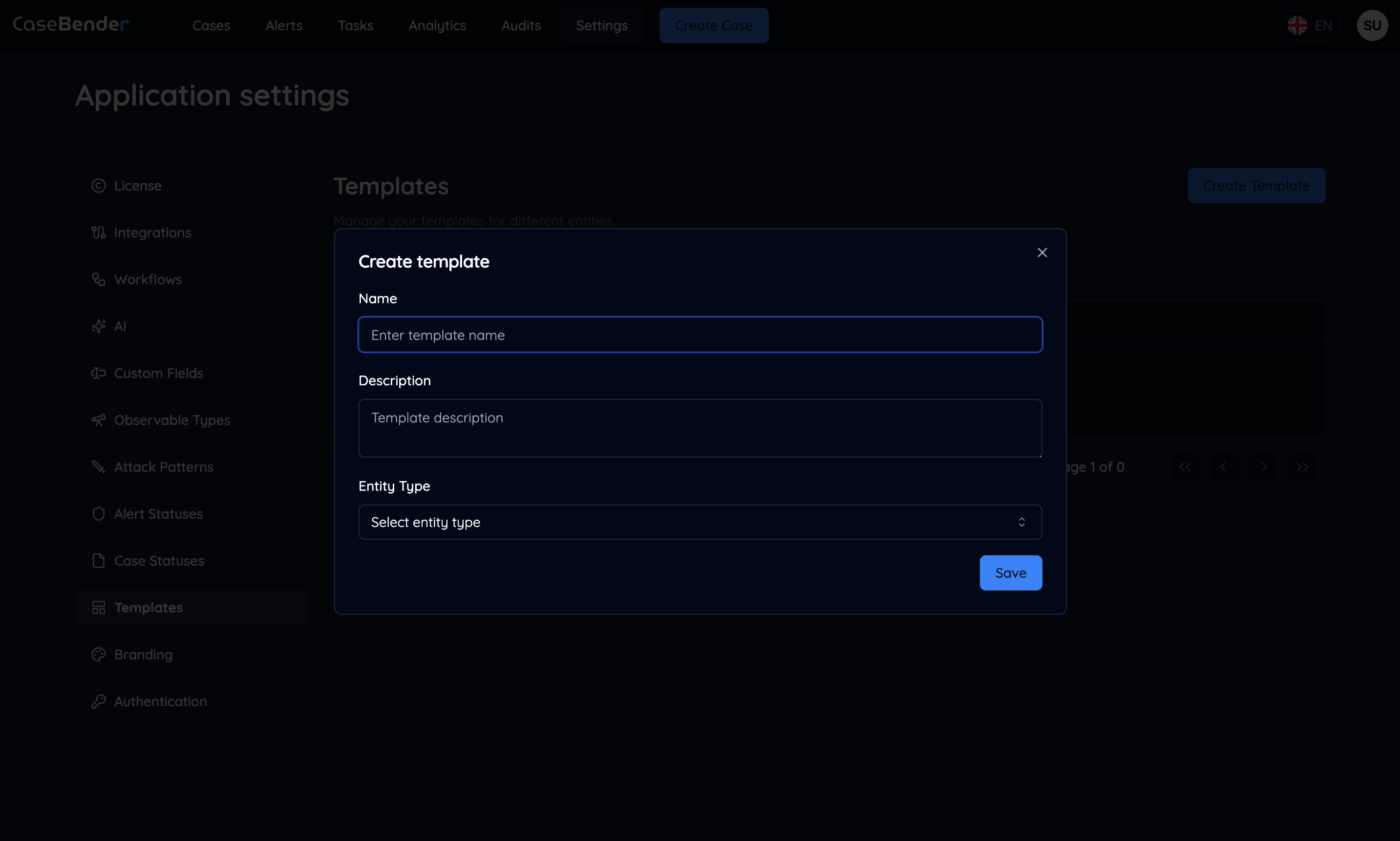 Configure the basic template information:
* Template name
* Description
* Category
* Type (Case/Task/Workflow)
* Access permissions
### Configuring Template Details
Define the comprehensive configuration for your template:
Configure the basic template information:
* Template name
* Description
* Category
* Type (Case/Task/Workflow)
* Access permissions
### Configuring Template Details
Define the comprehensive configuration for your template:
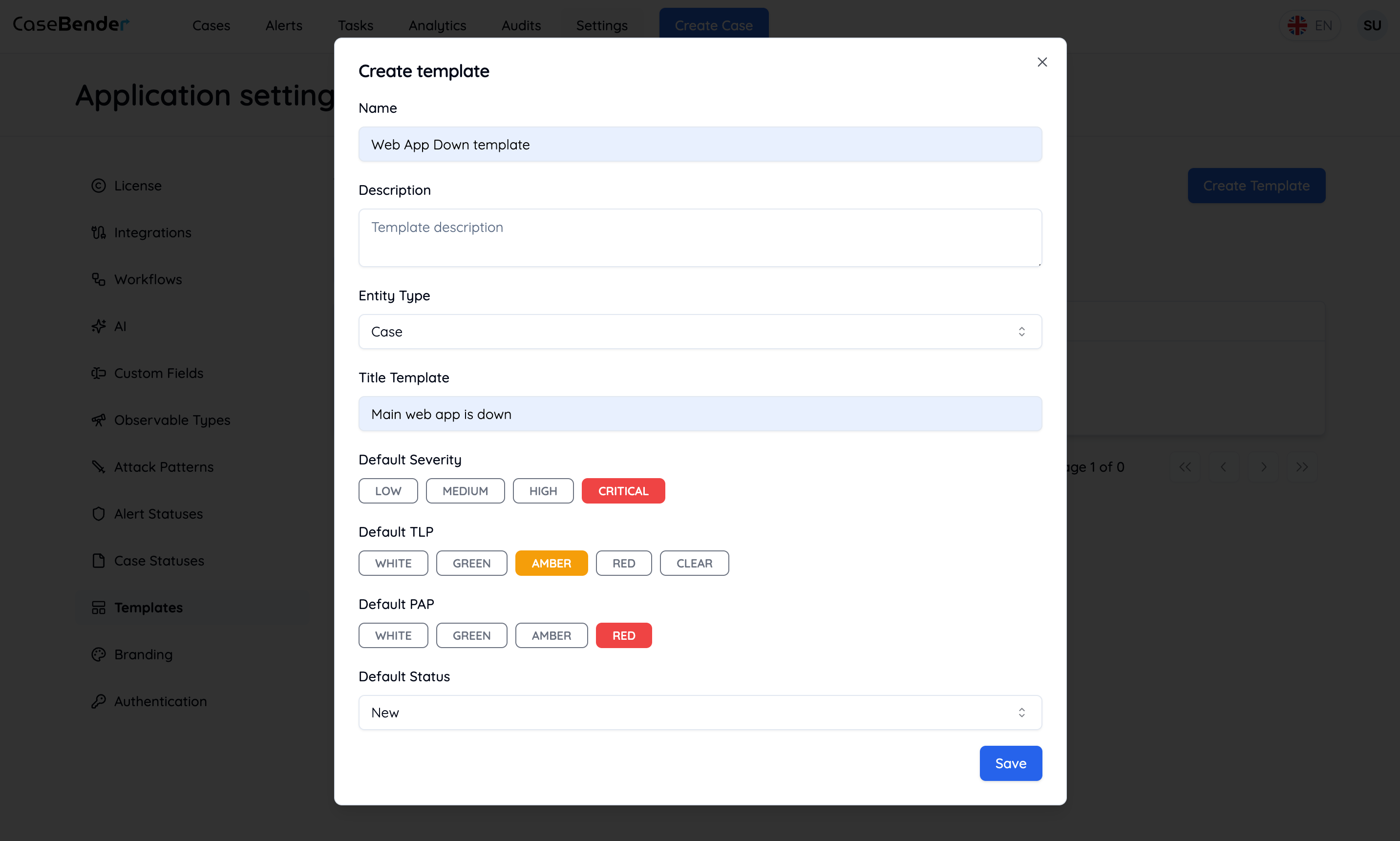
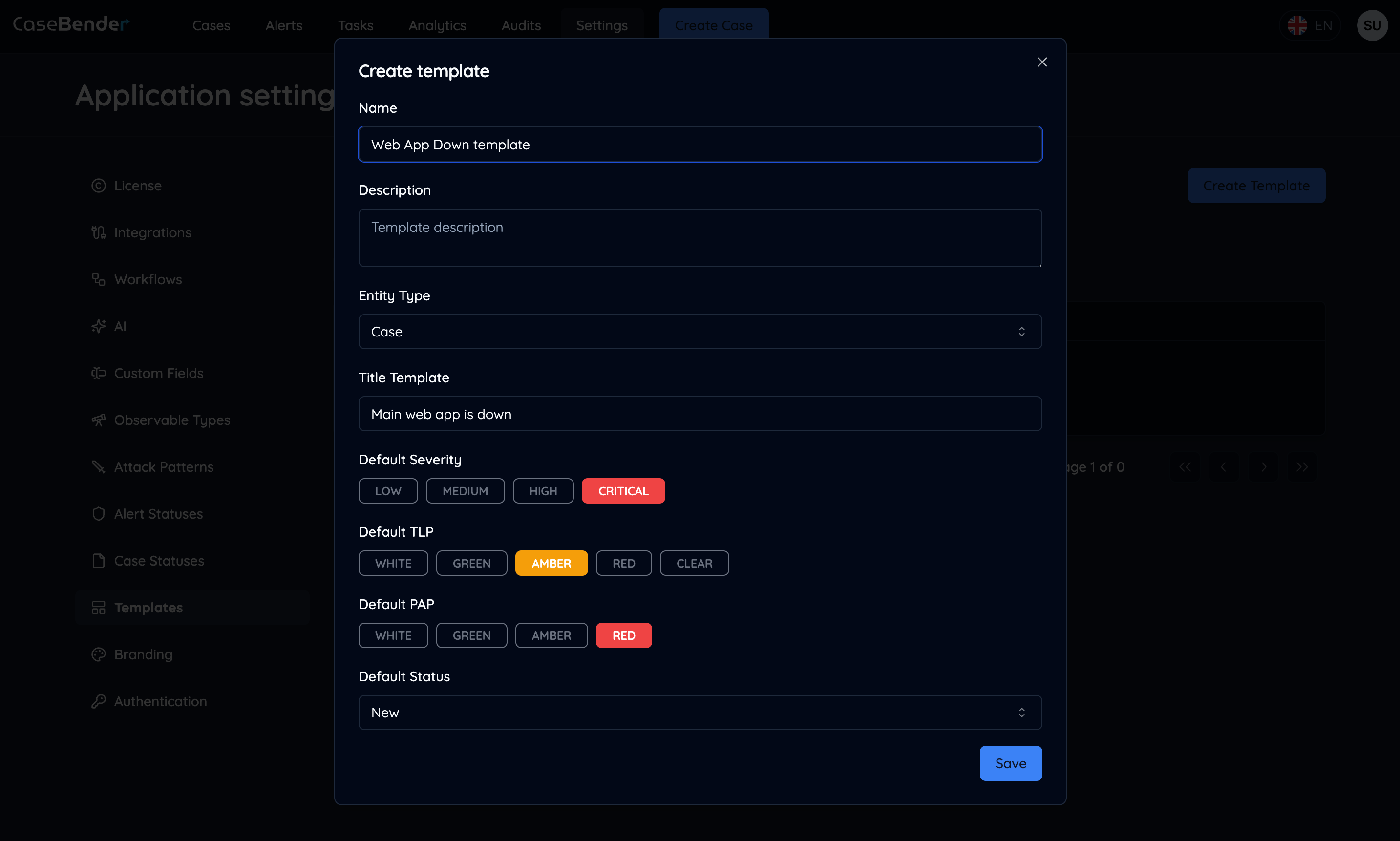 Specify detailed settings:
* Content structure
* Default values
* Required fields
* Automation rules
* Team assignments
### Template Management
View and manage your configured templates:
Specify detailed settings:
* Content structure
* Default values
* Required fields
* Automation rules
* Team assignments
### Template Management
View and manage your configured templates:
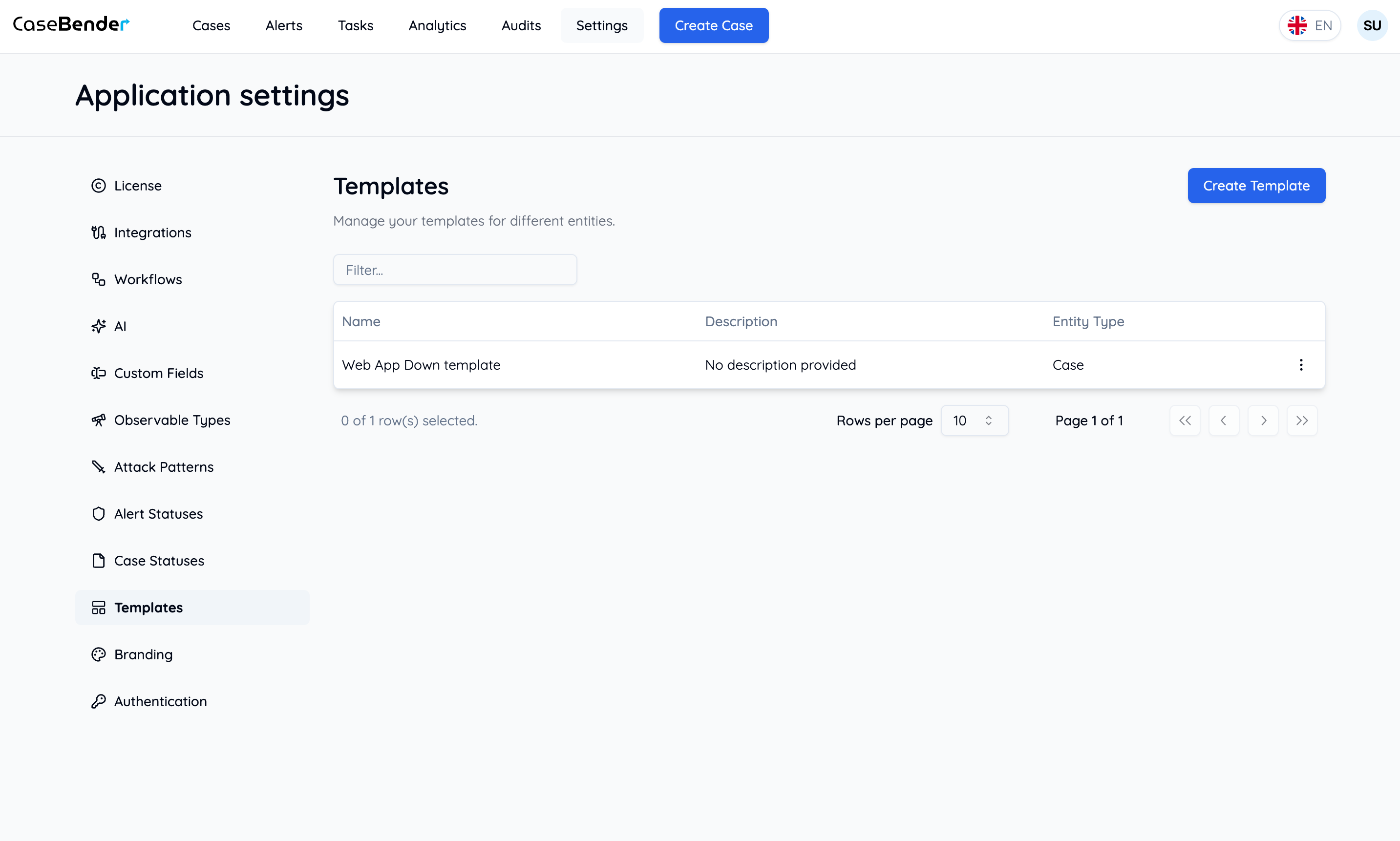
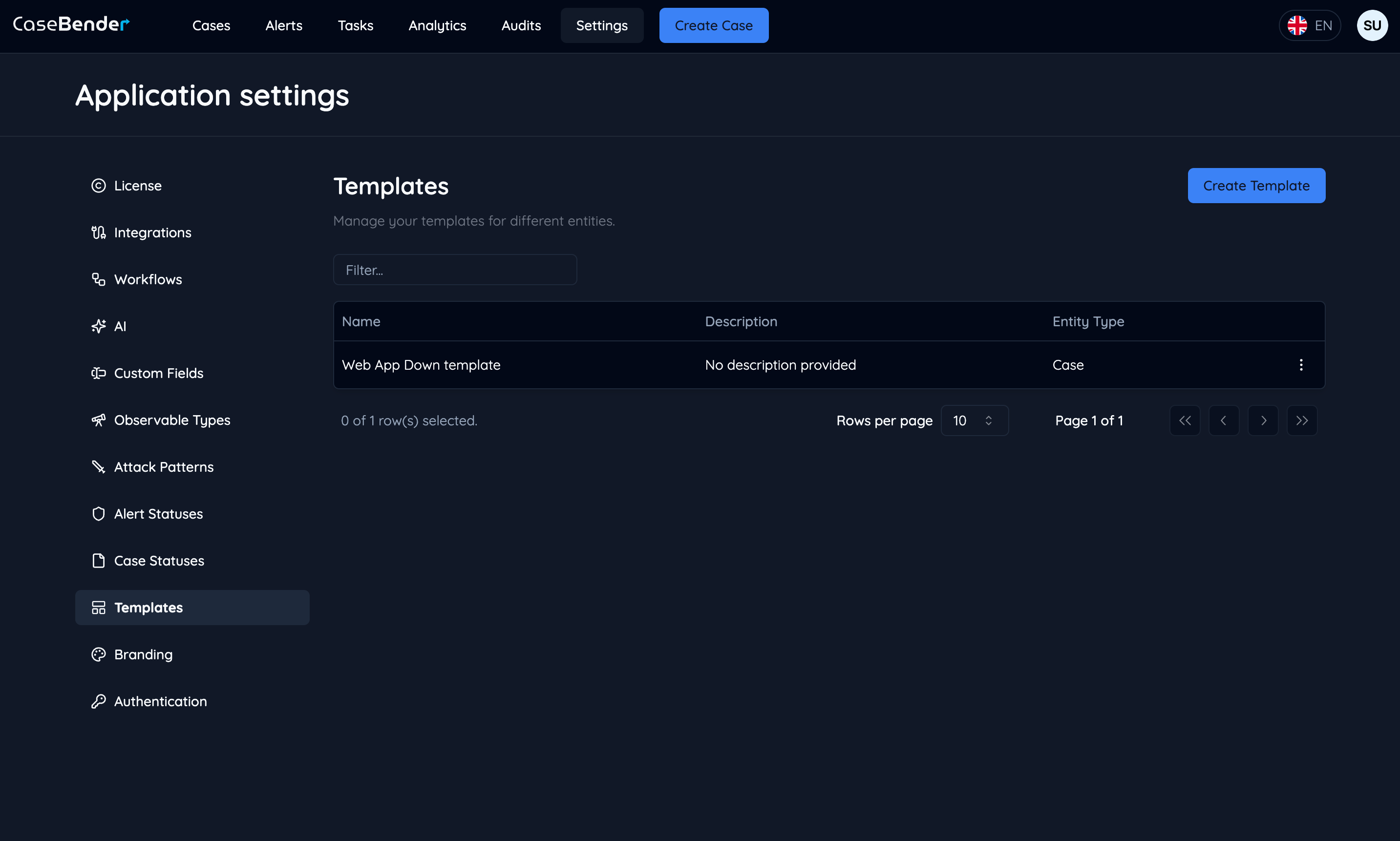 The template list displays:
* Template name
* Description
* Category
* Type
* Usage count
* Last modified
* Actions
## Template Types
### Case Templates
* Incident Response
* Threat Hunting
* Vulnerability Management
* Security Assessment
* Compliance Review
### Task Templates
* Investigation Steps
* Evidence Collection
* Analysis Procedures
* Remediation Actions
* Status Updates
### Workflow Templates
* Alert Triage
* Incident Response
* Threat Investigation
* Compliance Checks
* Regular Assessments
## Template Components
### Content Structure
* Sections and subsections
* Field definitions
* Dynamic content
* Variable placeholders
### Default Values
* Predefined fields
* Standard responses
* Common settings
* Initial assignments
### Automation Rules
* Automatic field population
* Conditional logic
* Required actions
* Workflow triggers
## Best Practices
### Template Design
* Clear organization
* Consistent structure
* Comprehensive coverage
* User-friendly format
### Content Management
* Regular updates
* Version control
* Change documentation
* Usage tracking
### Team Usage
* Training materials
* Usage guidelines
* Access controls
* Feedback collection
### Quality Assurance
* Regular reviews
* Validation checks
* Effectiveness monitoring
* User feedback
## Using Templates
### In Case Management
* Quick case creation
* Standardized responses
* Consistent documentation
* Efficient handling
### In Task Management
* Structured workflows
* Clear procedures
* Repeatable processes
* Quality assurance
### In Reporting
* Template usage metrics
* Efficiency analysis
* Process improvements
* Success tracking
## Related Documentation
* [Case Management](../../cases/introduction.mdx)
* [Task Management](../../tasks/introduction.mdx)
The template list displays:
* Template name
* Description
* Category
* Type
* Usage count
* Last modified
* Actions
## Template Types
### Case Templates
* Incident Response
* Threat Hunting
* Vulnerability Management
* Security Assessment
* Compliance Review
### Task Templates
* Investigation Steps
* Evidence Collection
* Analysis Procedures
* Remediation Actions
* Status Updates
### Workflow Templates
* Alert Triage
* Incident Response
* Threat Investigation
* Compliance Checks
* Regular Assessments
## Template Components
### Content Structure
* Sections and subsections
* Field definitions
* Dynamic content
* Variable placeholders
### Default Values
* Predefined fields
* Standard responses
* Common settings
* Initial assignments
### Automation Rules
* Automatic field population
* Conditional logic
* Required actions
* Workflow triggers
## Best Practices
### Template Design
* Clear organization
* Consistent structure
* Comprehensive coverage
* User-friendly format
### Content Management
* Regular updates
* Version control
* Change documentation
* Usage tracking
### Team Usage
* Training materials
* Usage guidelines
* Access controls
* Feedback collection
### Quality Assurance
* Regular reviews
* Validation checks
* Effectiveness monitoring
* User feedback
## Using Templates
### In Case Management
* Quick case creation
* Standardized responses
* Consistent documentation
* Efficient handling
### In Task Management
* Structured workflows
* Clear procedures
* Repeatable processes
* Quality assurance
### In Reporting
* Template usage metrics
* Efficiency analysis
* Process improvements
* Success tracking
## Related Documentation
* [Case Management](../../cases/introduction.mdx)
* [Task Management](../../tasks/introduction.mdx)