> ## Documentation Index
> Fetch the complete documentation index at: https://docs.casebender.com/llms.txt
> Use this file to discover all available pages before exploring further.
# Flux de Travail
> Créez et gérez des flux de travail automatisés pour rationaliser vos processus de gestion de dossiers dans CaseBender.
## Aperçu
La section Paramètres de Flux de Travail vous permet de créer des flux de travail automatisés qui exécutent des actions basées sur des déclencheurs spécifiques dans votre instance CaseBender. Ce guide vous accompagnera dans le processus de configuration et de paramétrage des flux de travail.
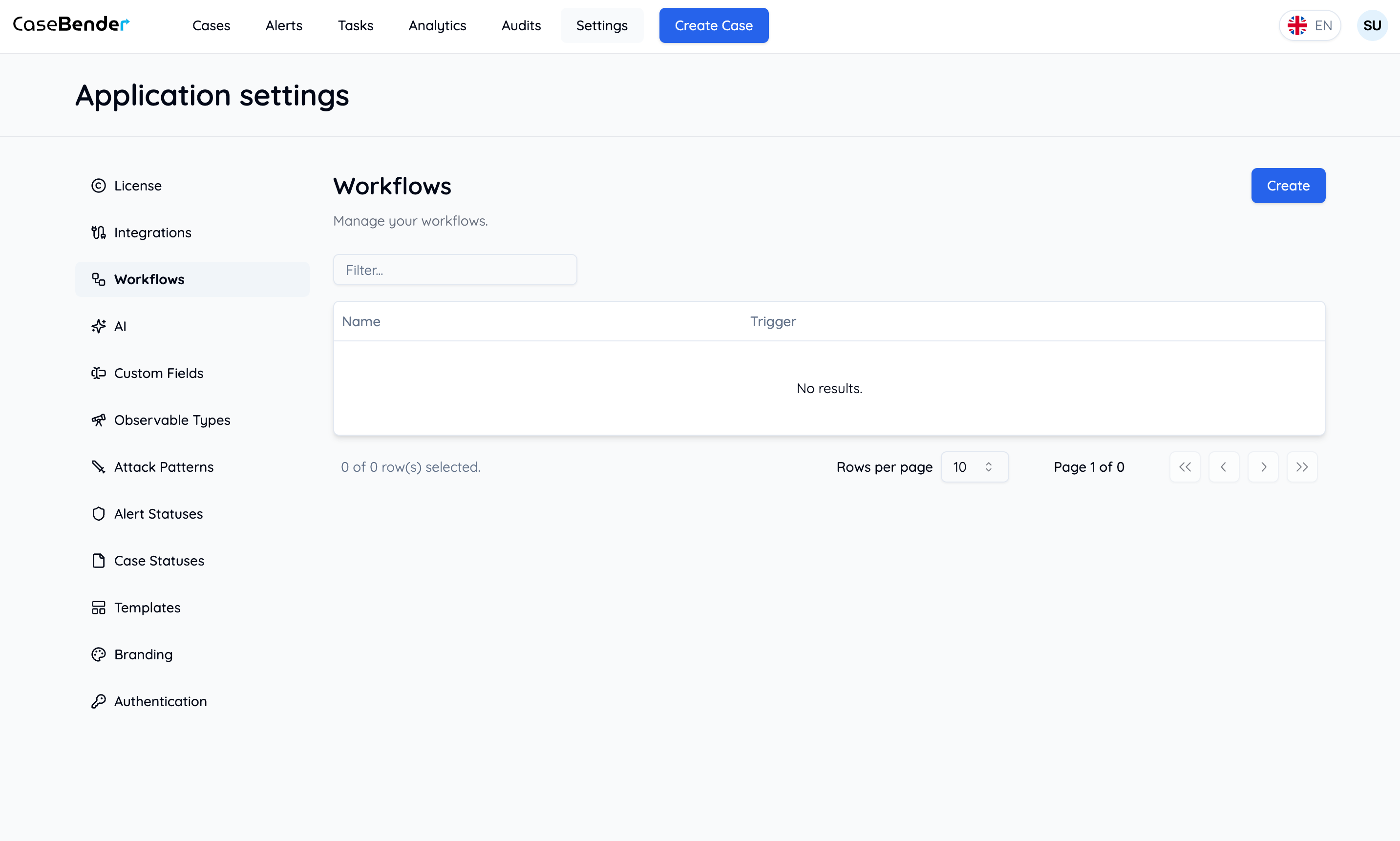
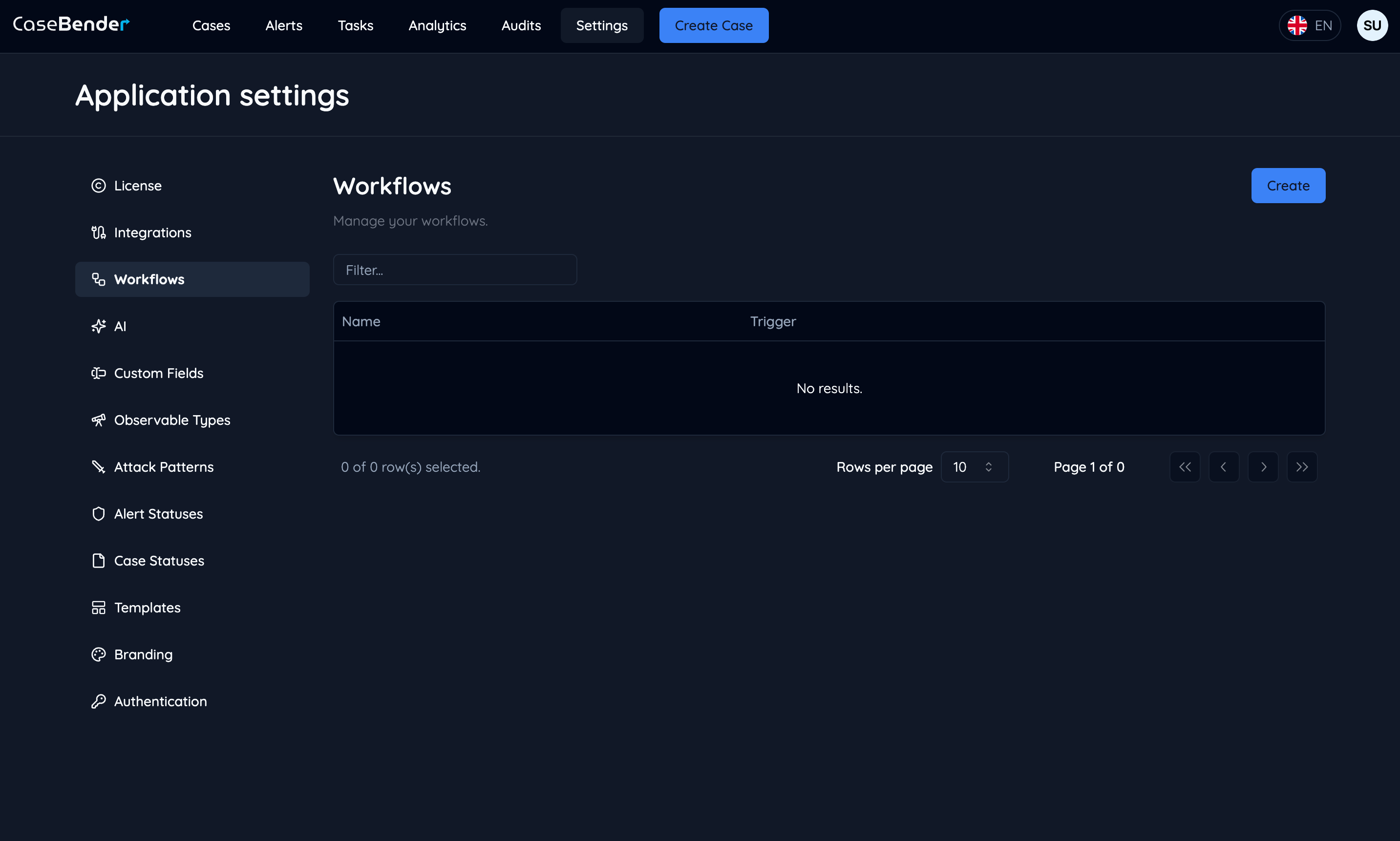 ## Création d'un Nouveau Flux de Travail
### Étape 1 : Configuration de Base
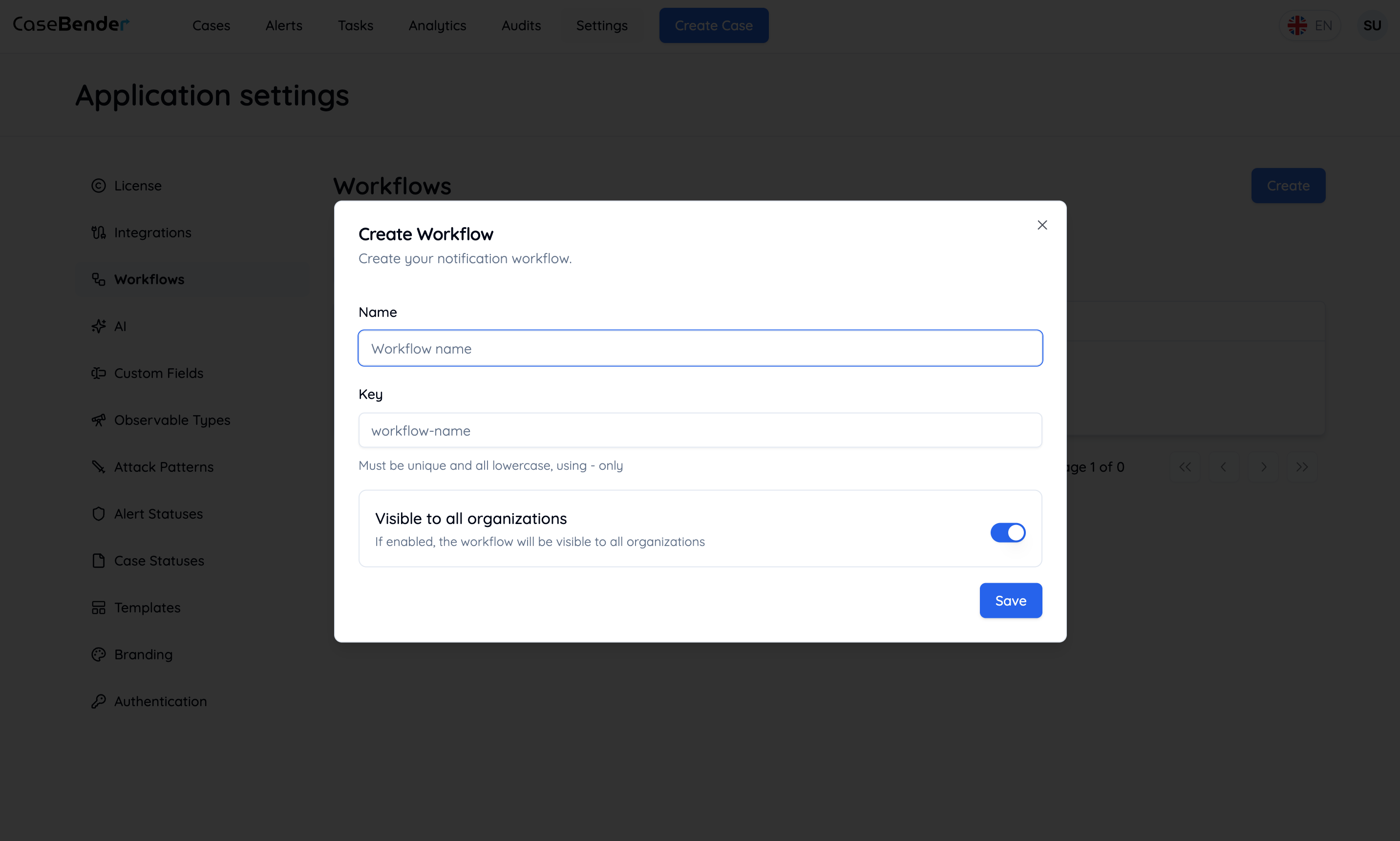
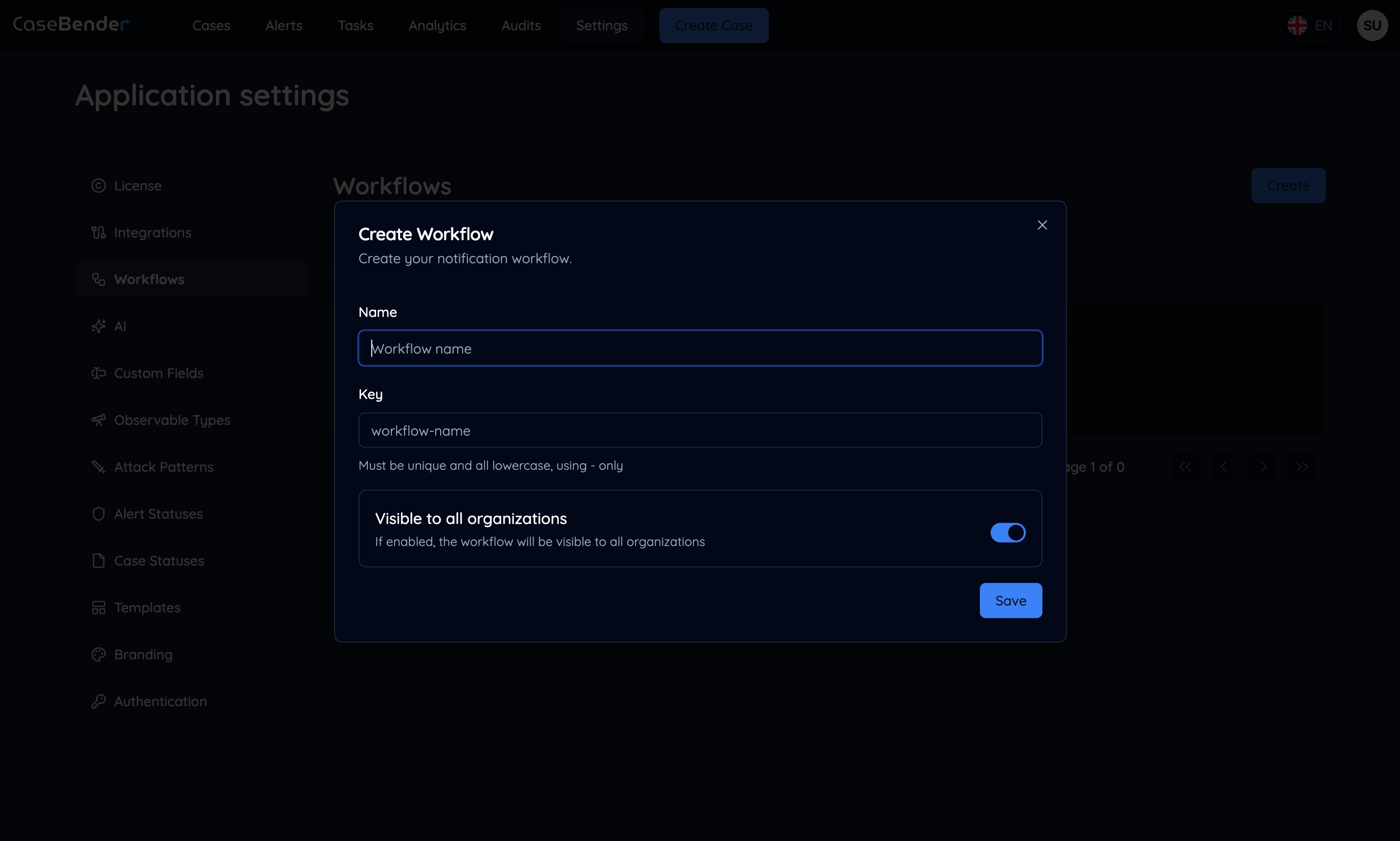
Commencez par cliquer sur le bouton "Créer" et remplissez les informations de base du flux de travail :
## Création d'un Nouveau Flux de Travail
### Étape 1 : Configuration de Base
Commencez par cliquer sur le bouton "Créer" et remplissez les informations de base du flux de travail :
 ### Étape 2 : Détails du Flux de Travail
Configurez les paramètres détaillés pour votre flux de travail :
### Étape 2 : Détails du Flux de Travail
Configurez les paramètres détaillés pour votre flux de travail :
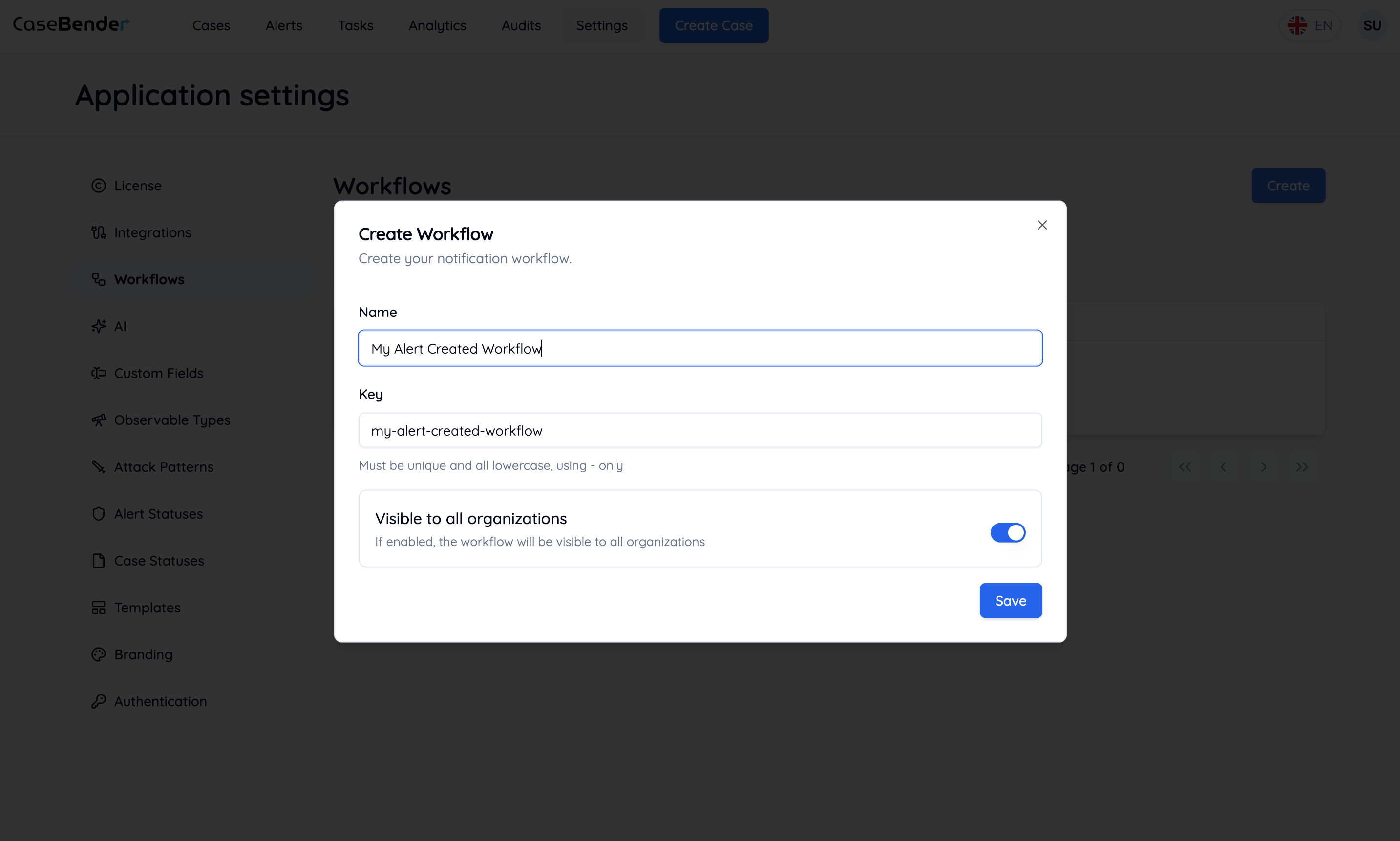
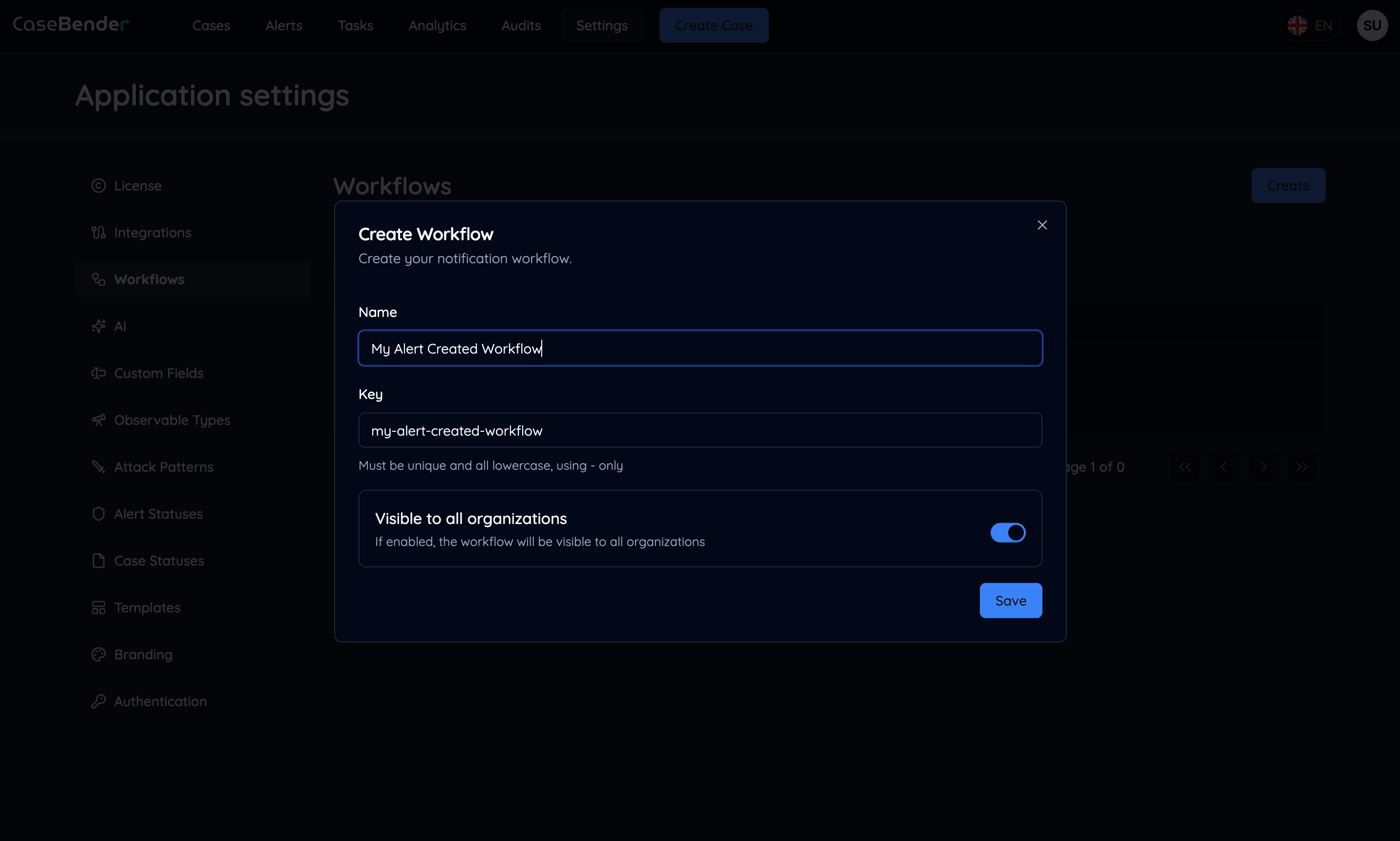 Remplissez les informations requises telles que :
* Nom du flux de travail
* Description
* Niveau de priorité
* Paramètres d'exécution
### Étape 3 : Paramètres d'Organisation
Spécifiez quelles organisations peuvent accéder et utiliser ce flux de travail :
Remplissez les informations requises telles que :
* Nom du flux de travail
* Description
* Niveau de priorité
* Paramètres d'exécution
### Étape 3 : Paramètres d'Organisation
Spécifiez quelles organisations peuvent accéder et utiliser ce flux de travail :
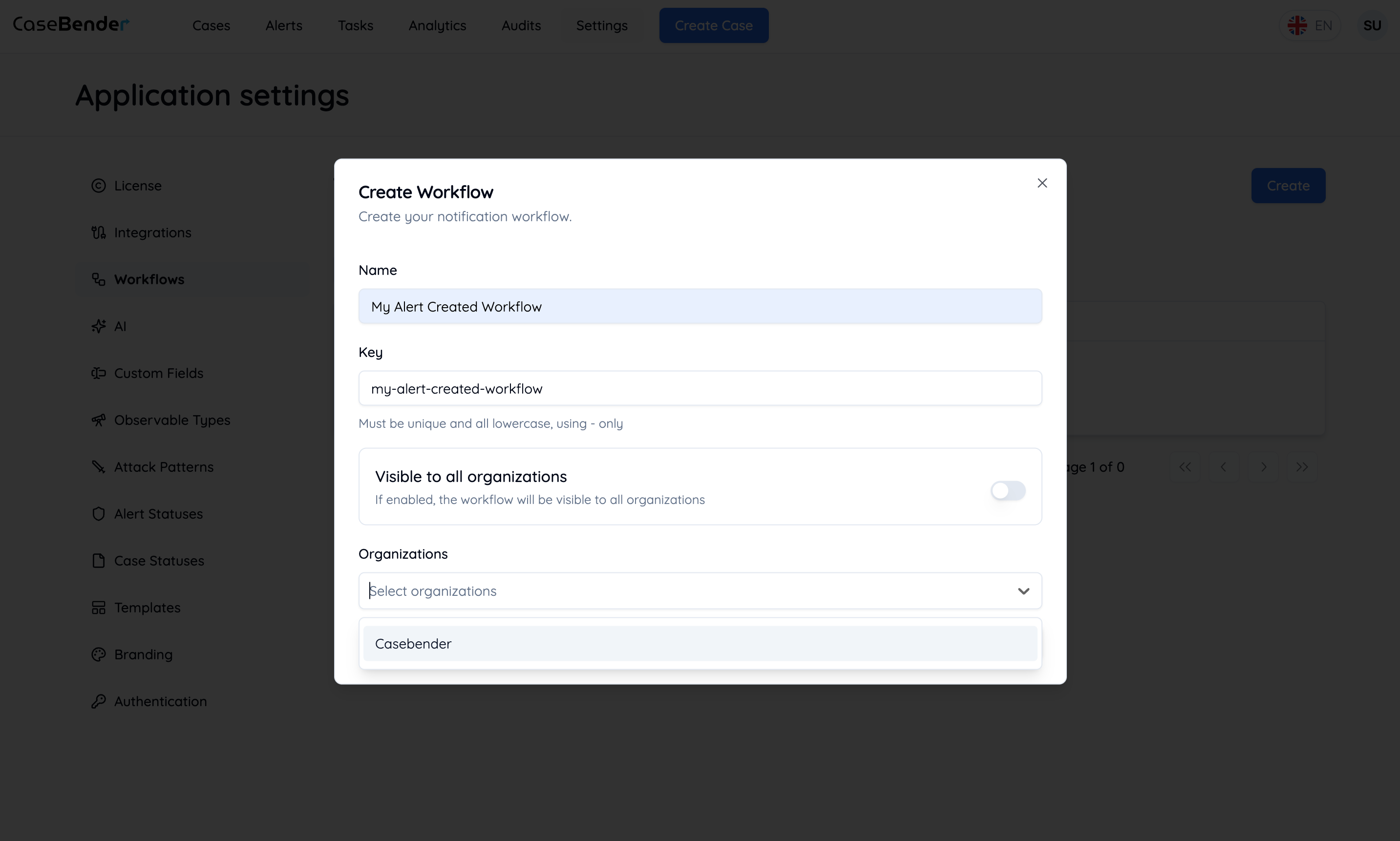
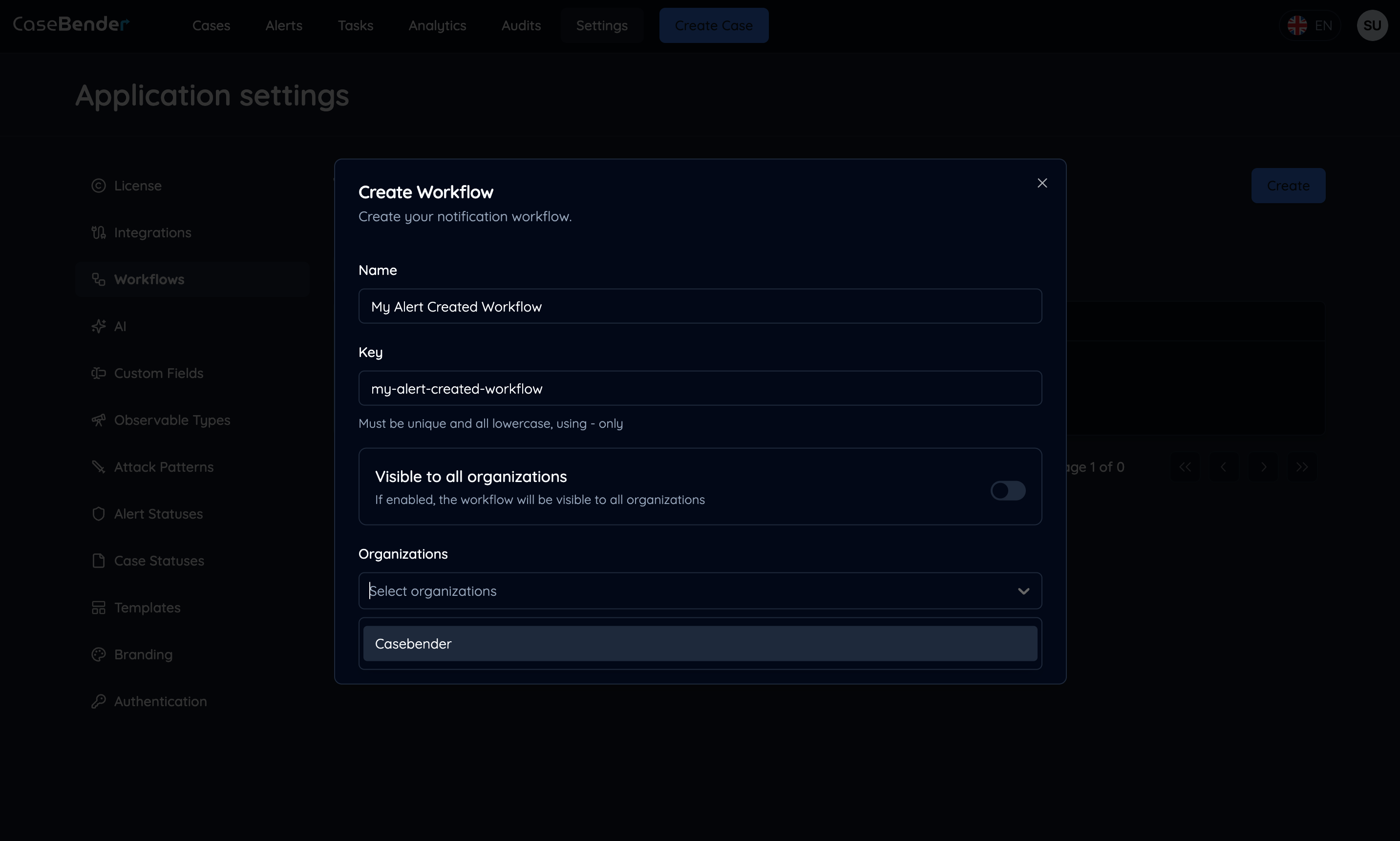 * Sélectionnez les organisations applicables
* Configurez les paramètres spécifiques à l'organisation
* Définissez les permissions d'accès
## Configuration de la Logique du Flux de Travail
### Étape 1 : Sélectionner un Déclencheur
Choisissez l'événement qui initiera votre flux de travail :
* Sélectionnez les organisations applicables
* Configurez les paramètres spécifiques à l'organisation
* Définissez les permissions d'accès
## Configuration de la Logique du Flux de Travail
### Étape 1 : Sélectionner un Déclencheur
Choisissez l'événement qui initiera votre flux de travail :
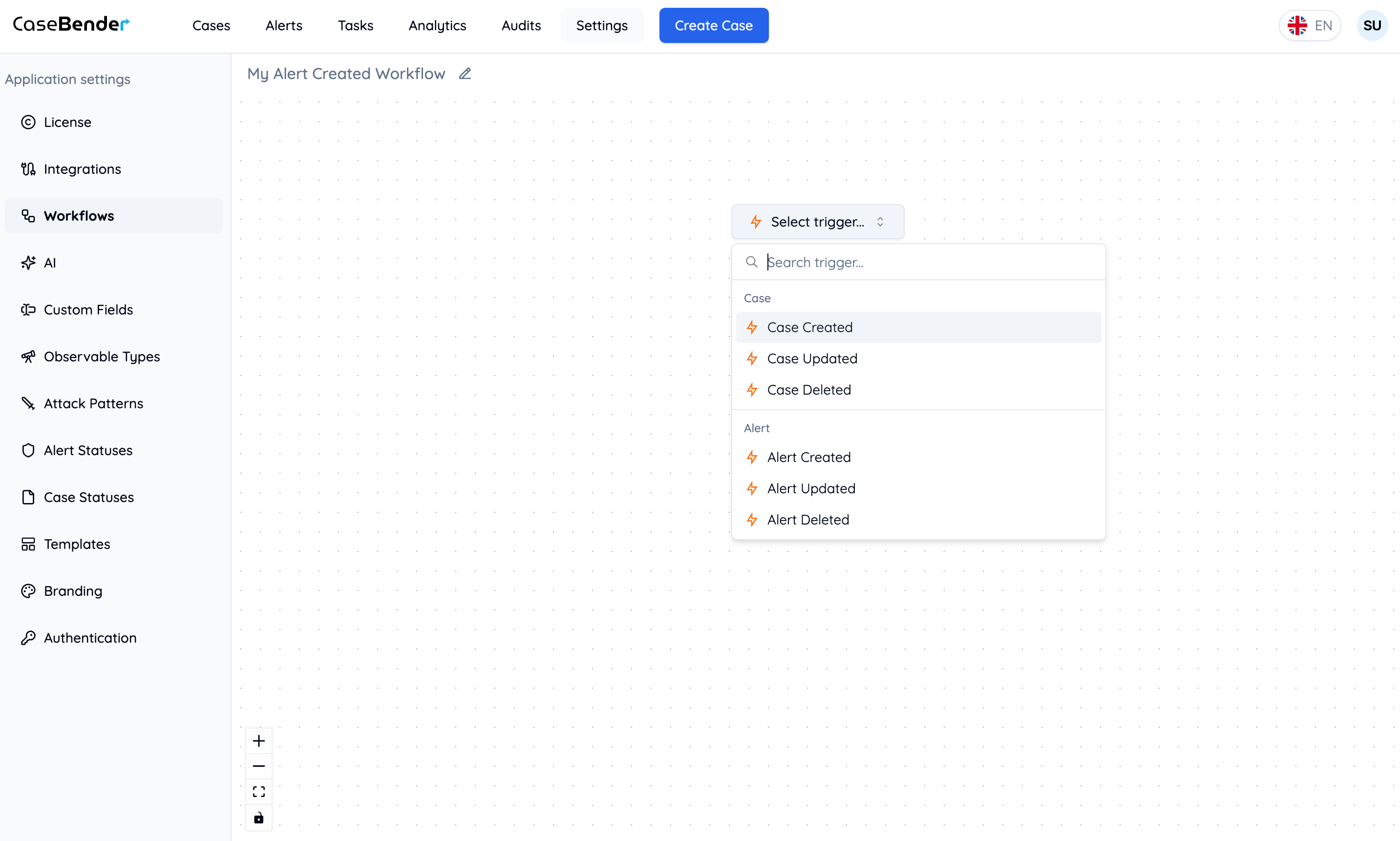
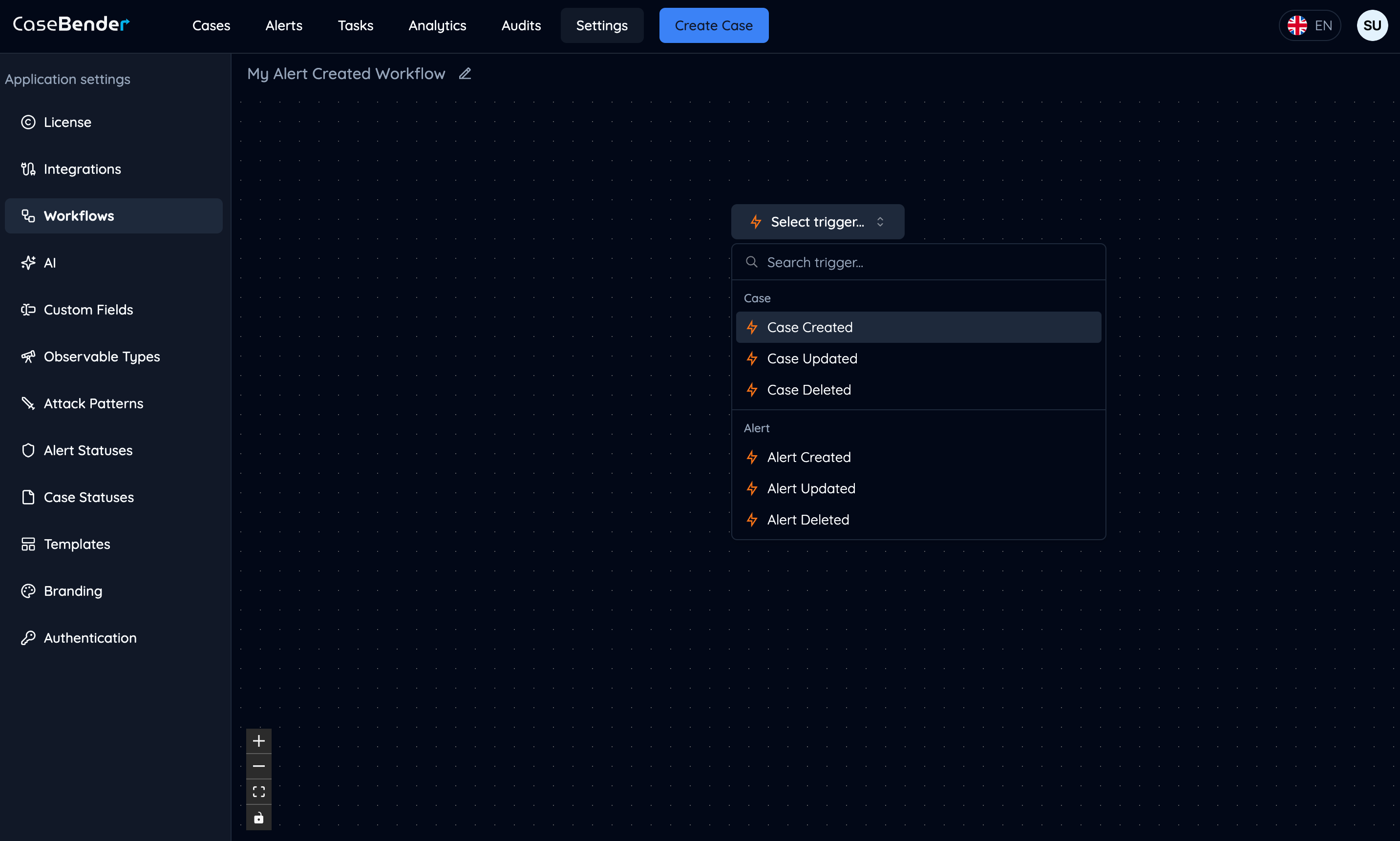 Les déclencheurs disponibles peuvent inclure :
* Création ou mises à jour de dossier
* Assignations de tâches
* Changements de statut
* Événements personnalisés
### Étape 2 : Ajouter des Actions
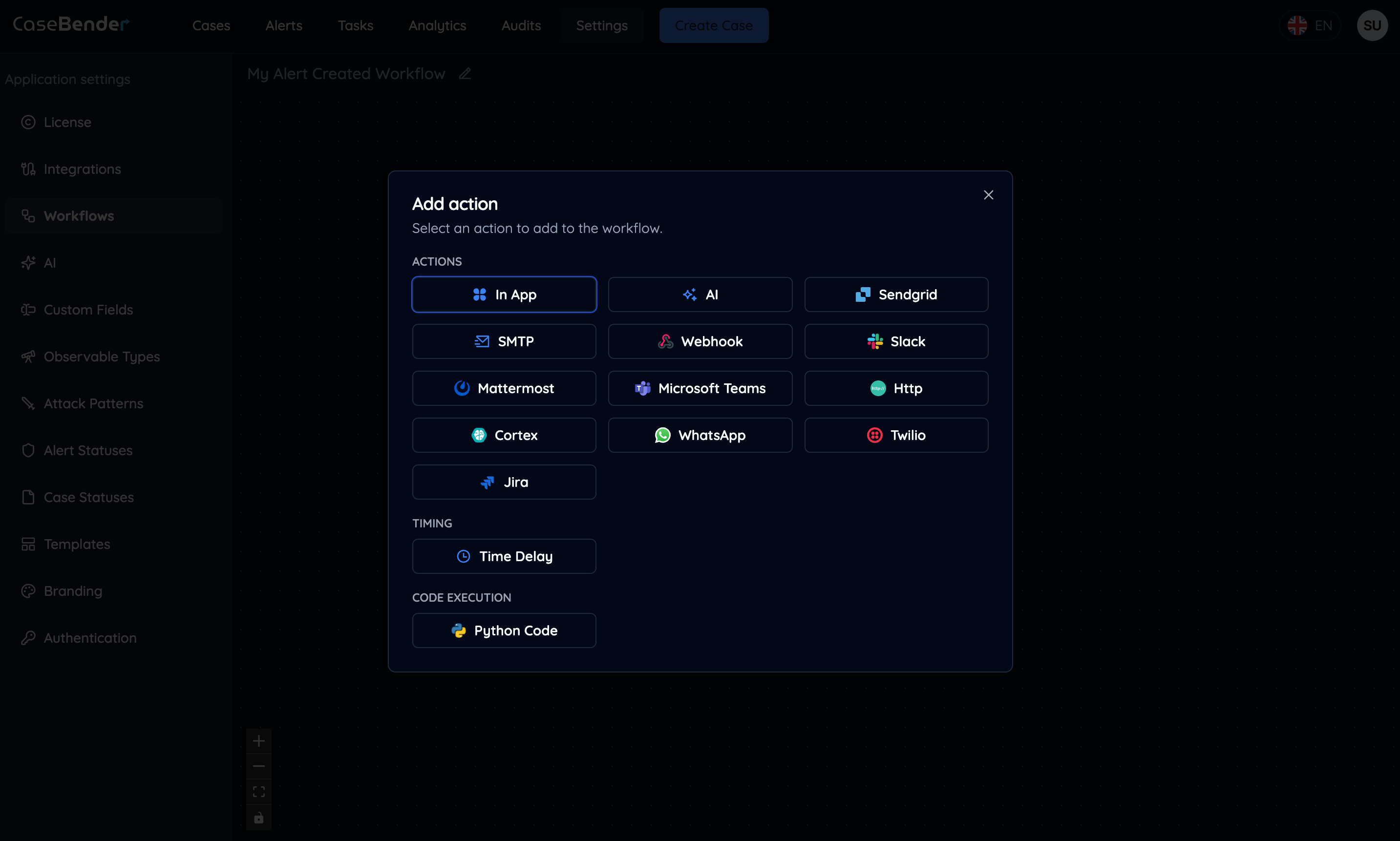
Cliquez sur le bouton plus sur les bords du flux pour ajouter des actions à votre flux de travail :
Les déclencheurs disponibles peuvent inclure :
* Création ou mises à jour de dossier
* Assignations de tâches
* Changements de statut
* Événements personnalisés
### Étape 2 : Ajouter des Actions
Cliquez sur le bouton plus sur les bords du flux pour ajouter des actions à votre flux de travail :
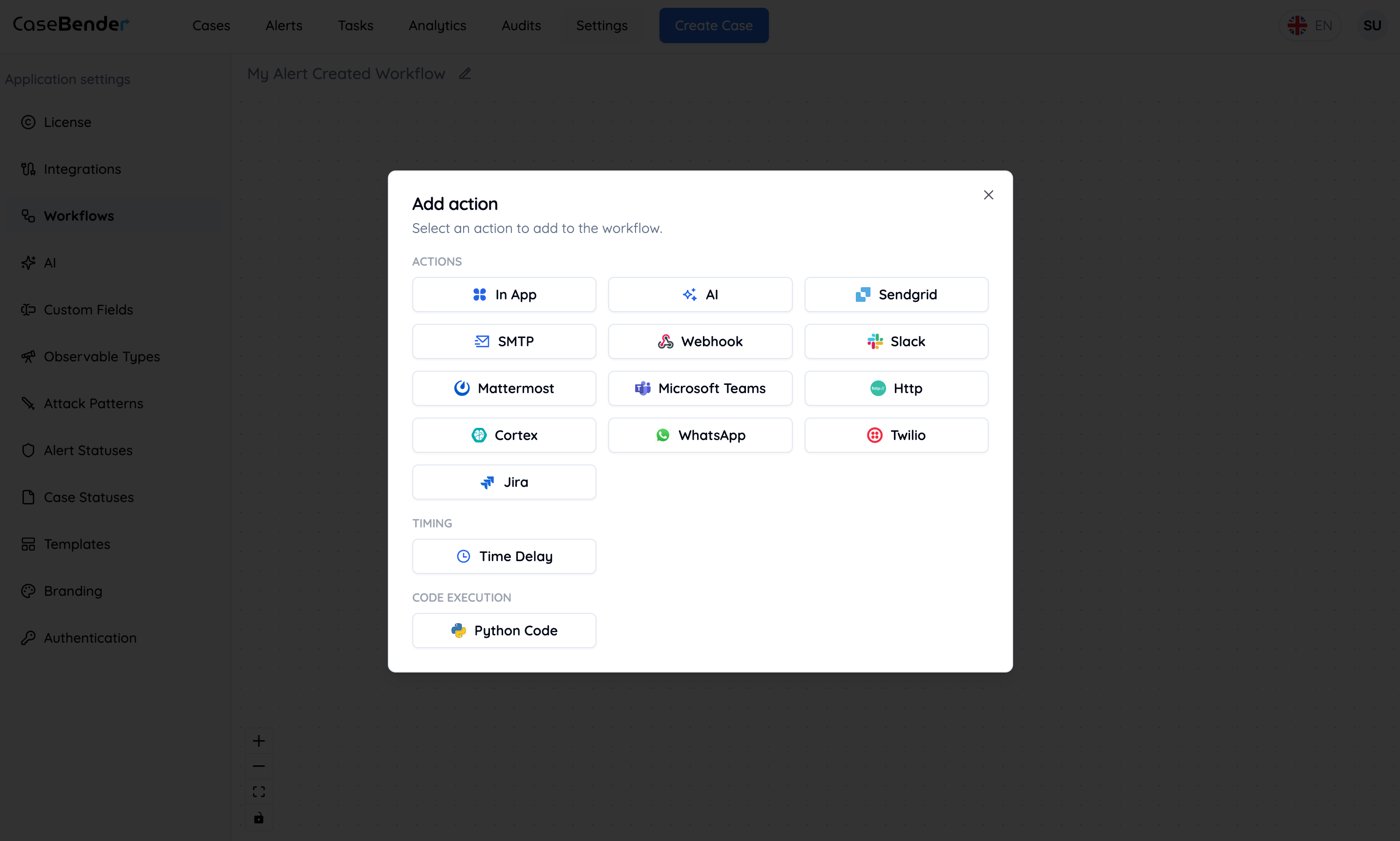
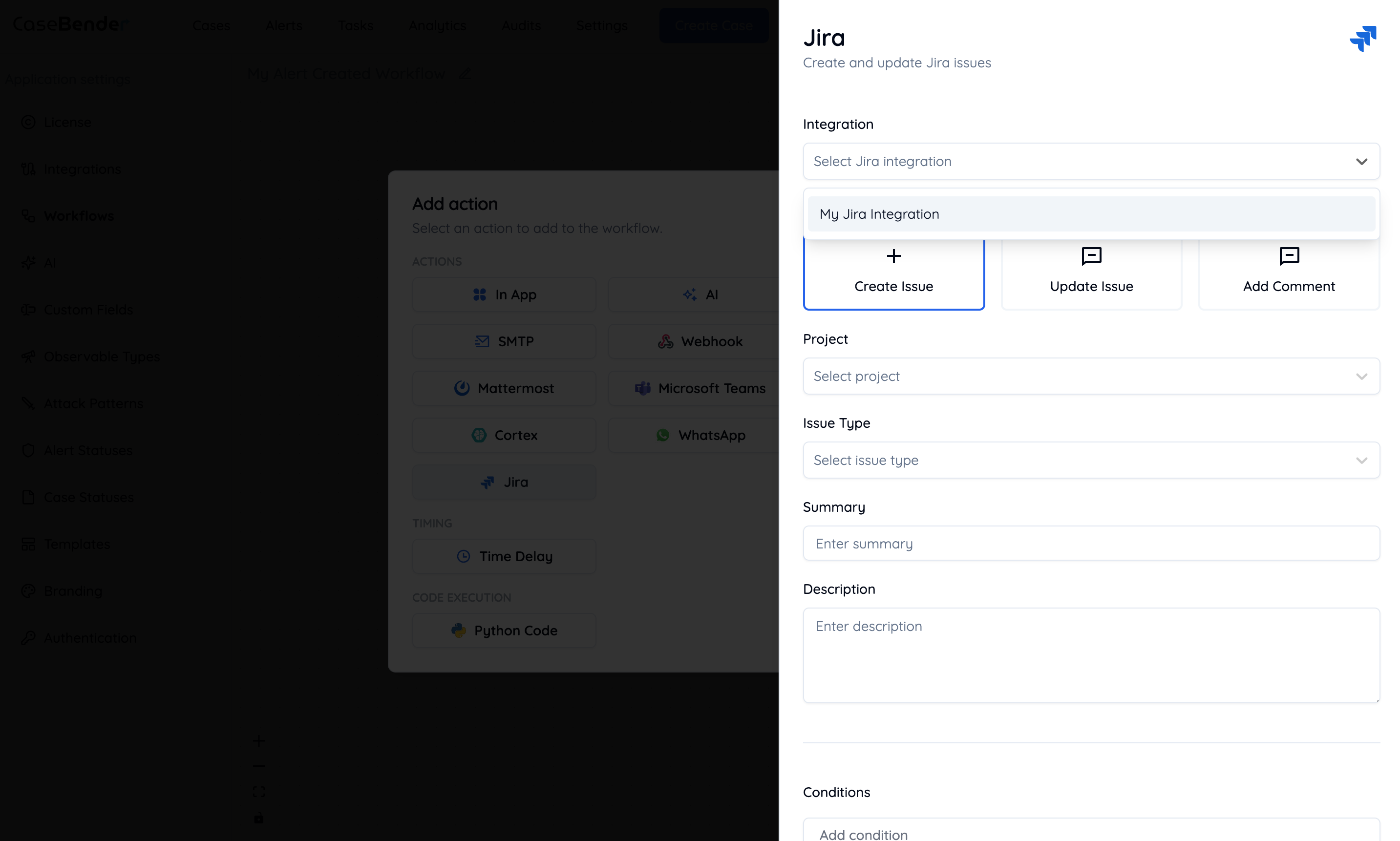
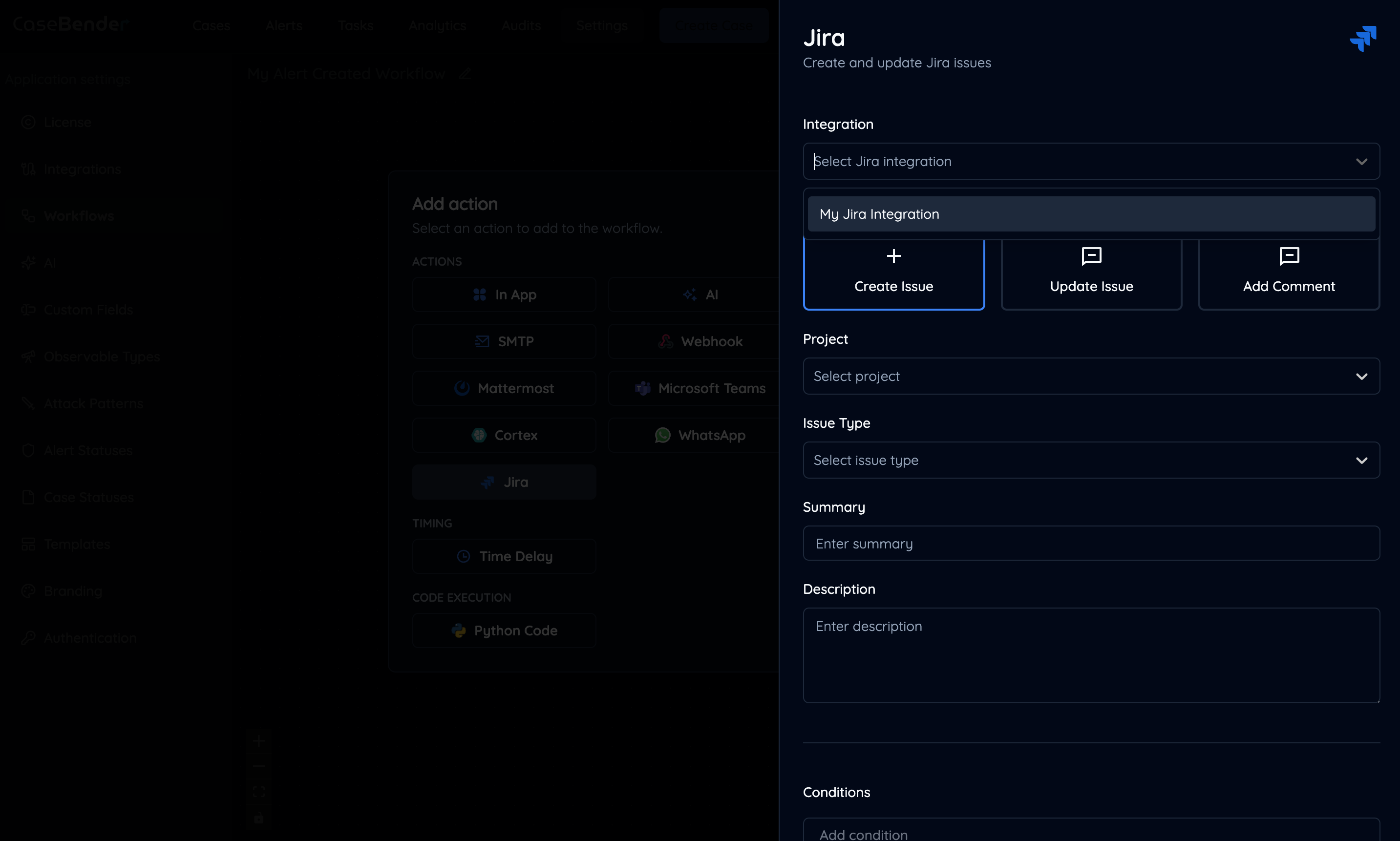
 ### Étape 3 : Configurer l'Action
Sélectionnez et configurez chaque action dans votre flux de travail :
### Étape 3 : Configurer l'Action
Sélectionnez et configurez chaque action dans votre flux de travail :
 ### Étape 4 : Détails de l'Action
Fournissez une configuration détaillée pour chaque action :
### Étape 4 : Détails de l'Action
Fournissez une configuration détaillée pour chaque action :
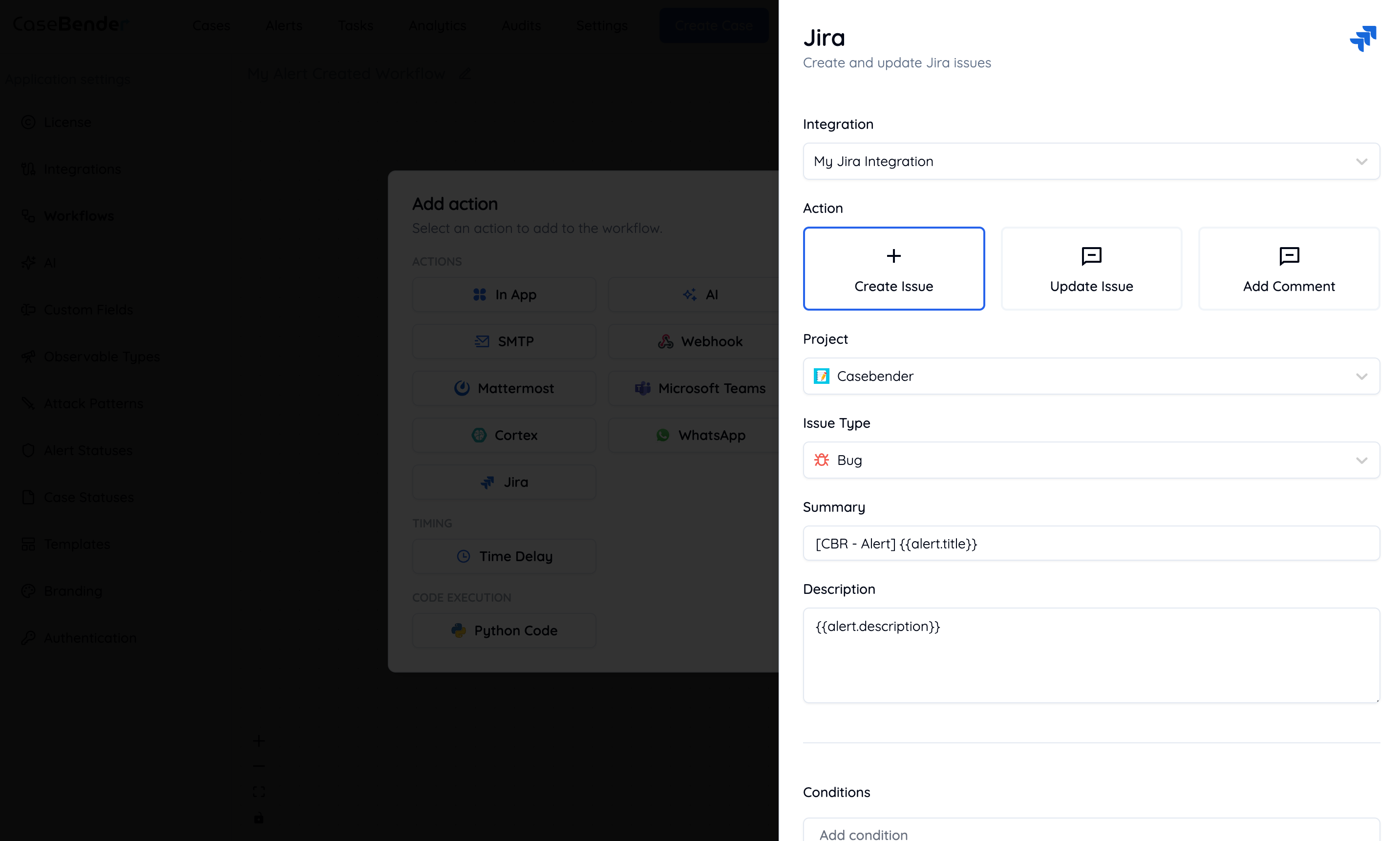
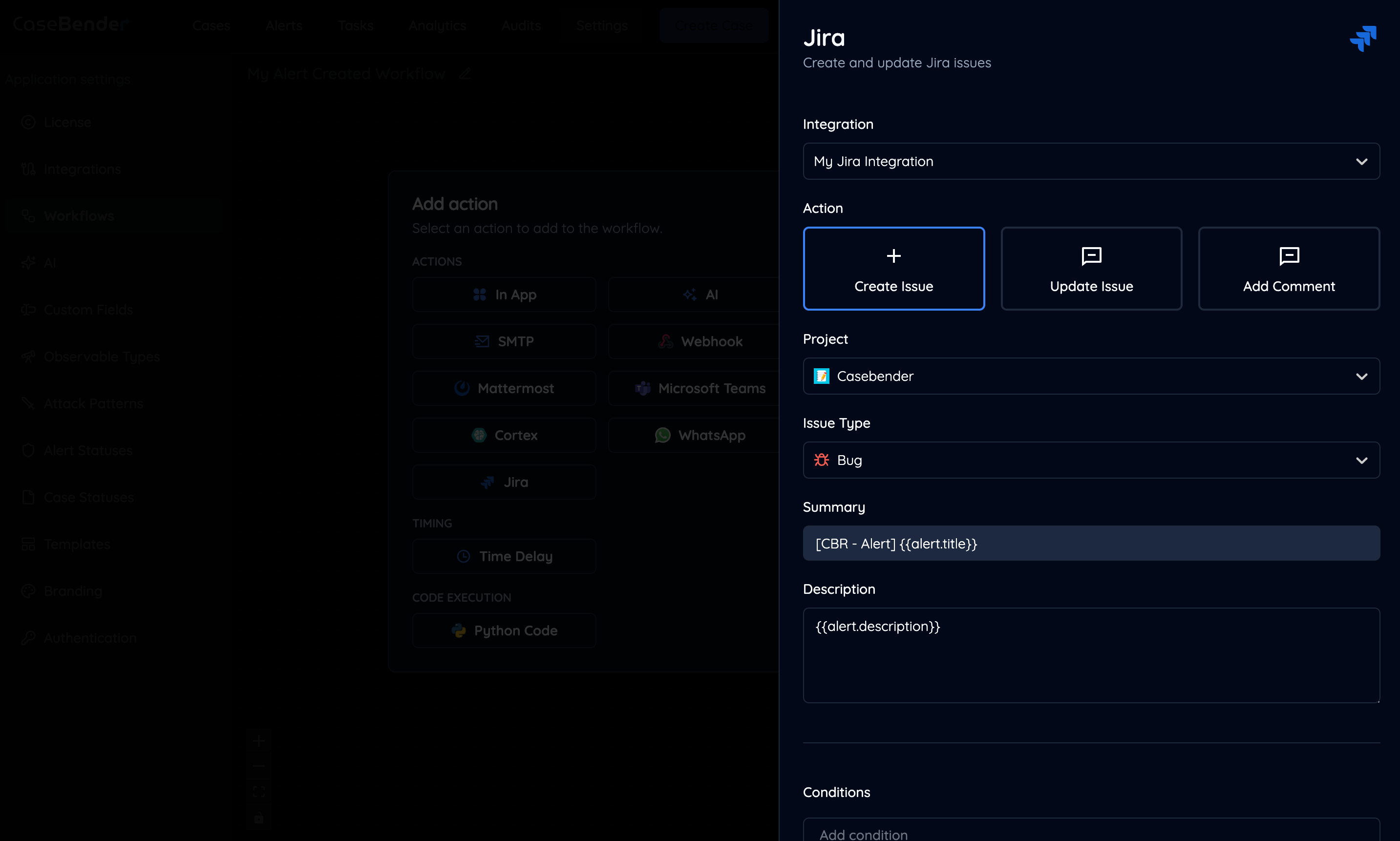 Configurez des paramètres tels que :
* Paramètres spécifiques au type d'action
* Logique conditionnelle
* Mappage d'entrée/sortie
* Gestion des erreurs
### Étape 5 : Réviser le Flux de Travail
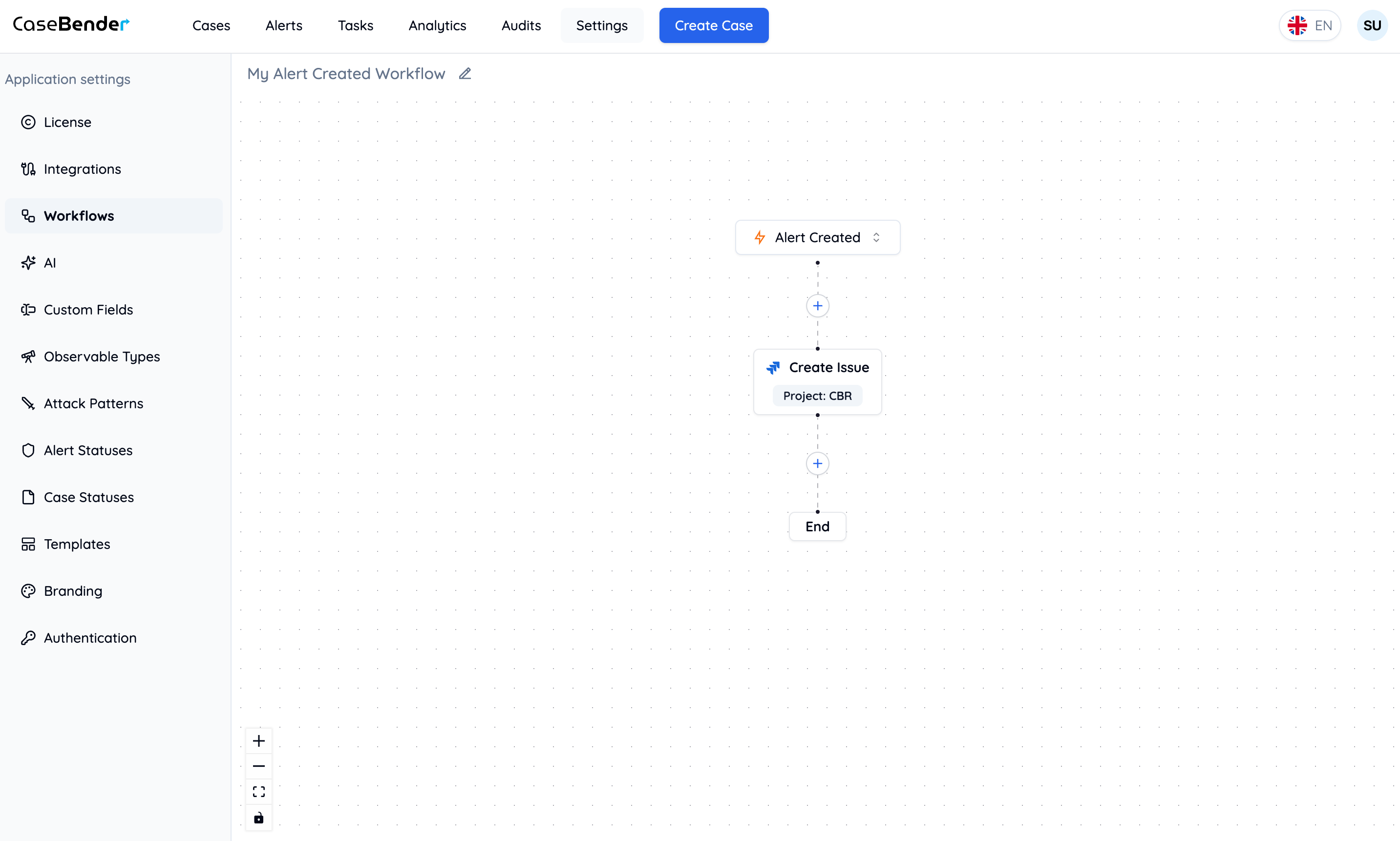
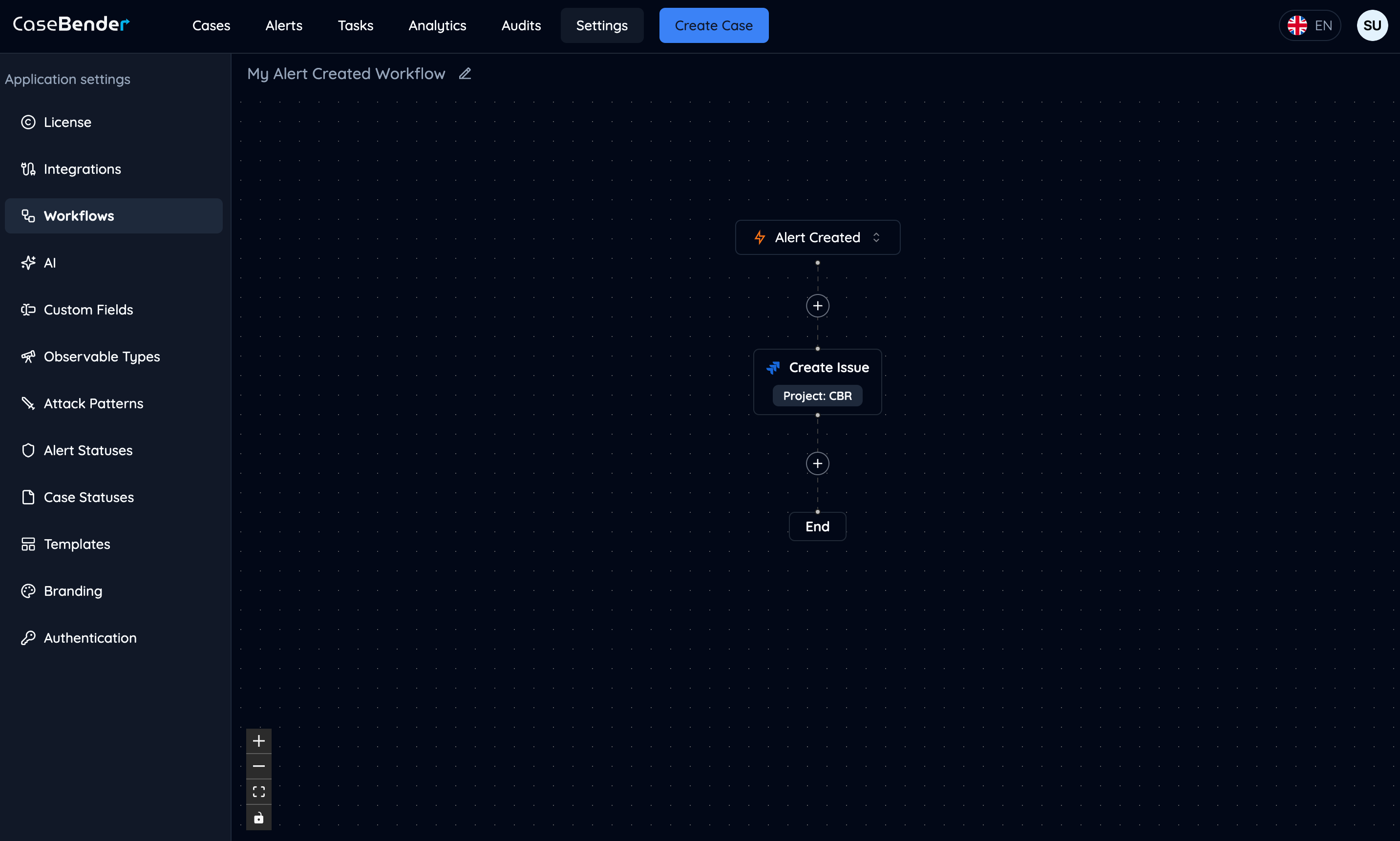
Révisez votre flux de travail complet avec toutes les actions configurées :
Configurez des paramètres tels que :
* Paramètres spécifiques au type d'action
* Logique conditionnelle
* Mappage d'entrée/sortie
* Gestion des erreurs
### Étape 5 : Réviser le Flux de Travail
Révisez votre flux de travail complet avec toutes les actions configurées :
 ## Meilleures Pratiques
### Conception de Flux de Travail
* Gardez les flux de travail ciblés et spécifiques
* Utilisez des noms clairs et descriptifs
* Documentez l'objectif et les résultats attendus
* Testez les flux de travail de manière approfondie avant activation
### Considérations de Performance
* Optimisez les séquences d'actions
* Tenez compte du temps d'exécution et des ressources
* Surveillez la performance des flux de travail
* Gérez les erreurs de manière appropriée
### Maintenance
* Révisez et mettez à jour régulièrement les flux de travail
* Surveillez les journaux d'exécution
* Maintenez la documentation à jour
* Validez périodiquement les déclencheurs et les actions
## Meilleures Pratiques
### Conception de Flux de Travail
* Gardez les flux de travail ciblés et spécifiques
* Utilisez des noms clairs et descriptifs
* Documentez l'objectif et les résultats attendus
* Testez les flux de travail de manière approfondie avant activation
### Considérations de Performance
* Optimisez les séquences d'actions
* Tenez compte du temps d'exécution et des ressources
* Surveillez la performance des flux de travail
* Gérez les erreurs de manière appropriée
### Maintenance
* Révisez et mettez à jour régulièrement les flux de travail
* Surveillez les journaux d'exécution
* Maintenez la documentation à jour
* Validez périodiquement les déclencheurs et les actions