> ## Documentation Index
> Fetch the complete documentation index at: https://docs.casebender.com/llms.txt
> Use this file to discover all available pages before exploring further.
# アラートステータス
> セキュリティ運用におけるアラートのライフサイクルを追跡するためのカスタムアラートステータスを構成および管理します。
## 概要
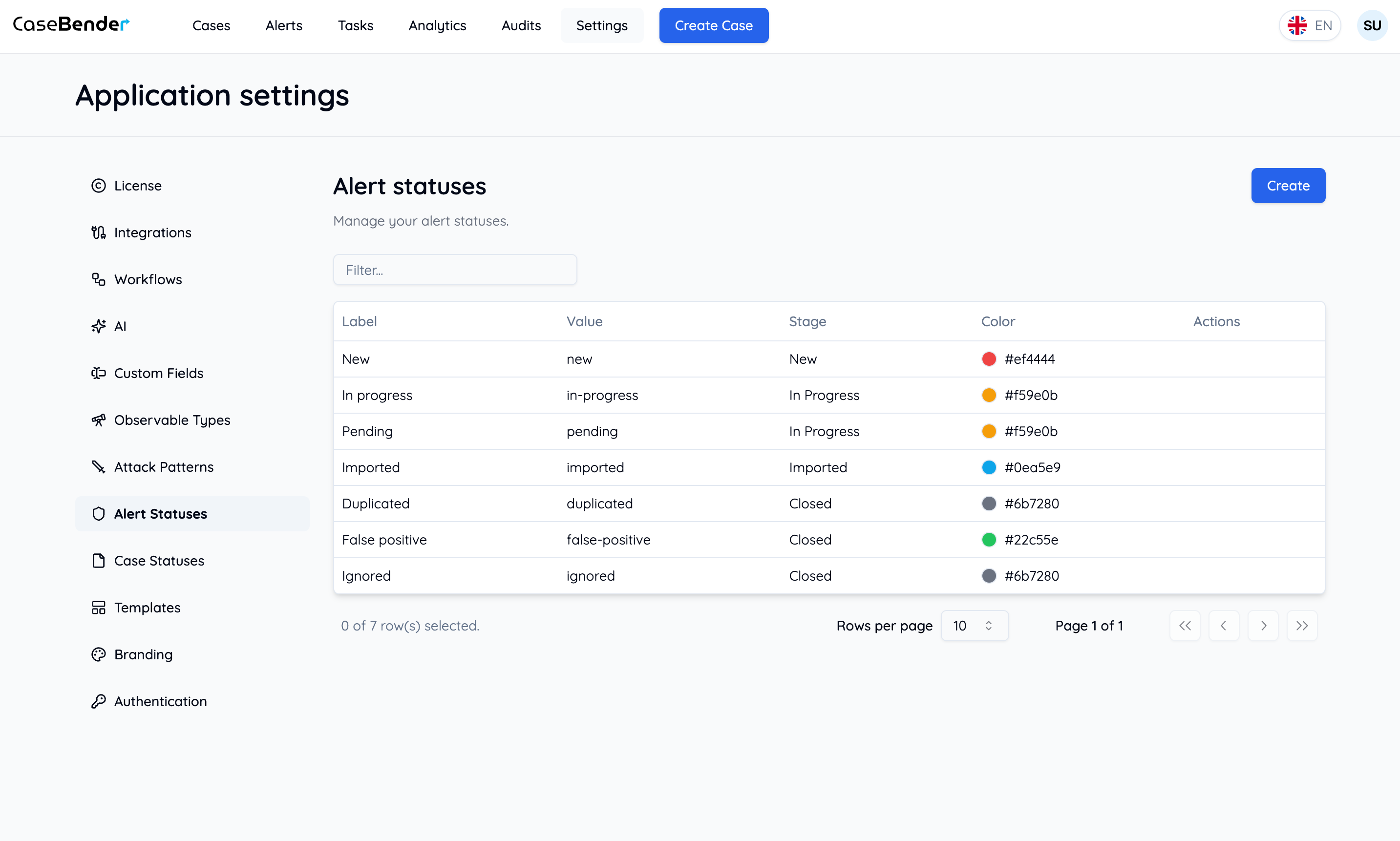
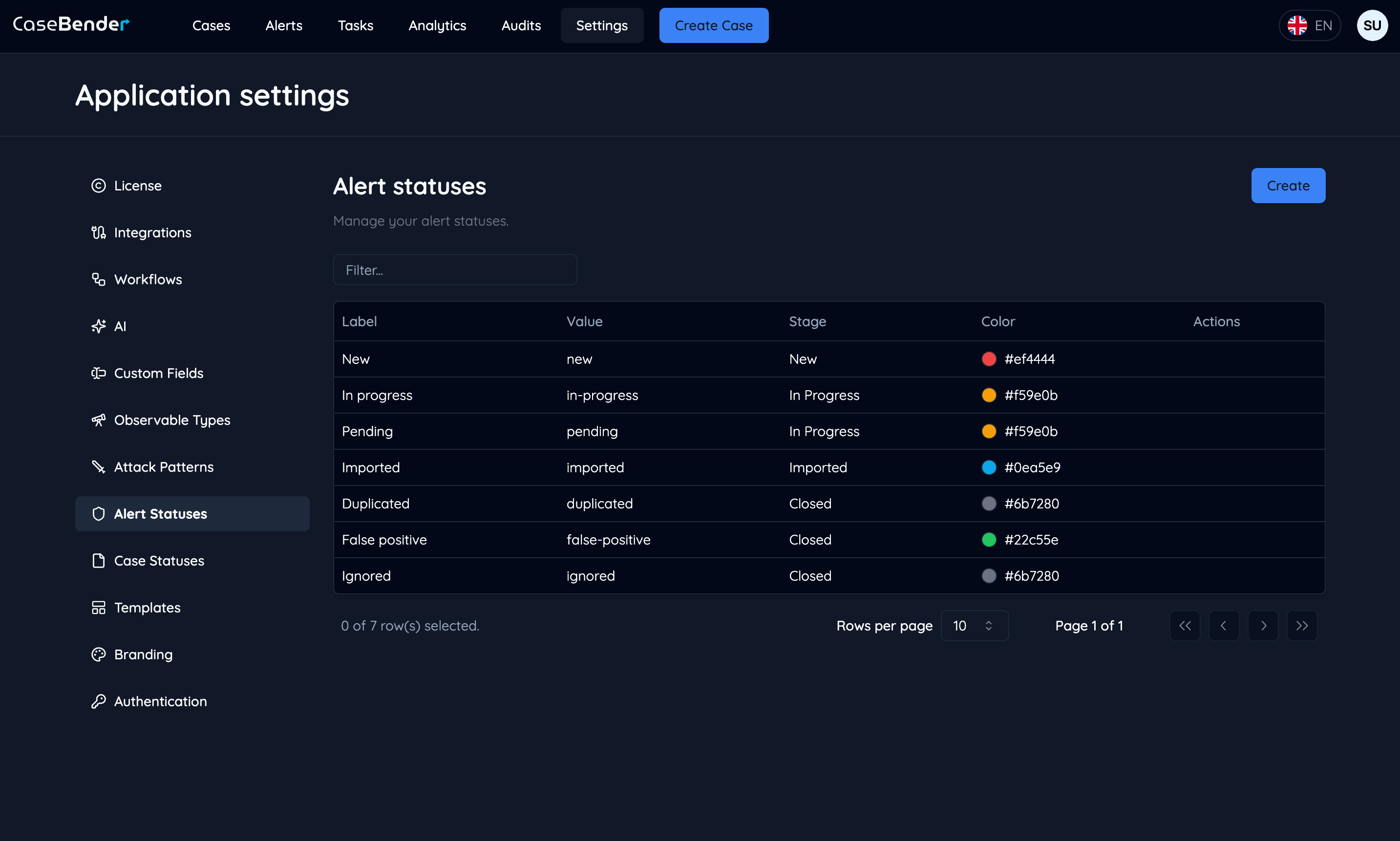
アラートステータスセクションでは、アラート用のカスタムステータス定義を作成および管理することができます。この機能は、初期検出から最終解決まで、セキュリティ運用ワークフローを通じてアラートの進行状況を追跡するのに役立ちます。
 ## アラートステータスの管理
### 新しいステータスの作成
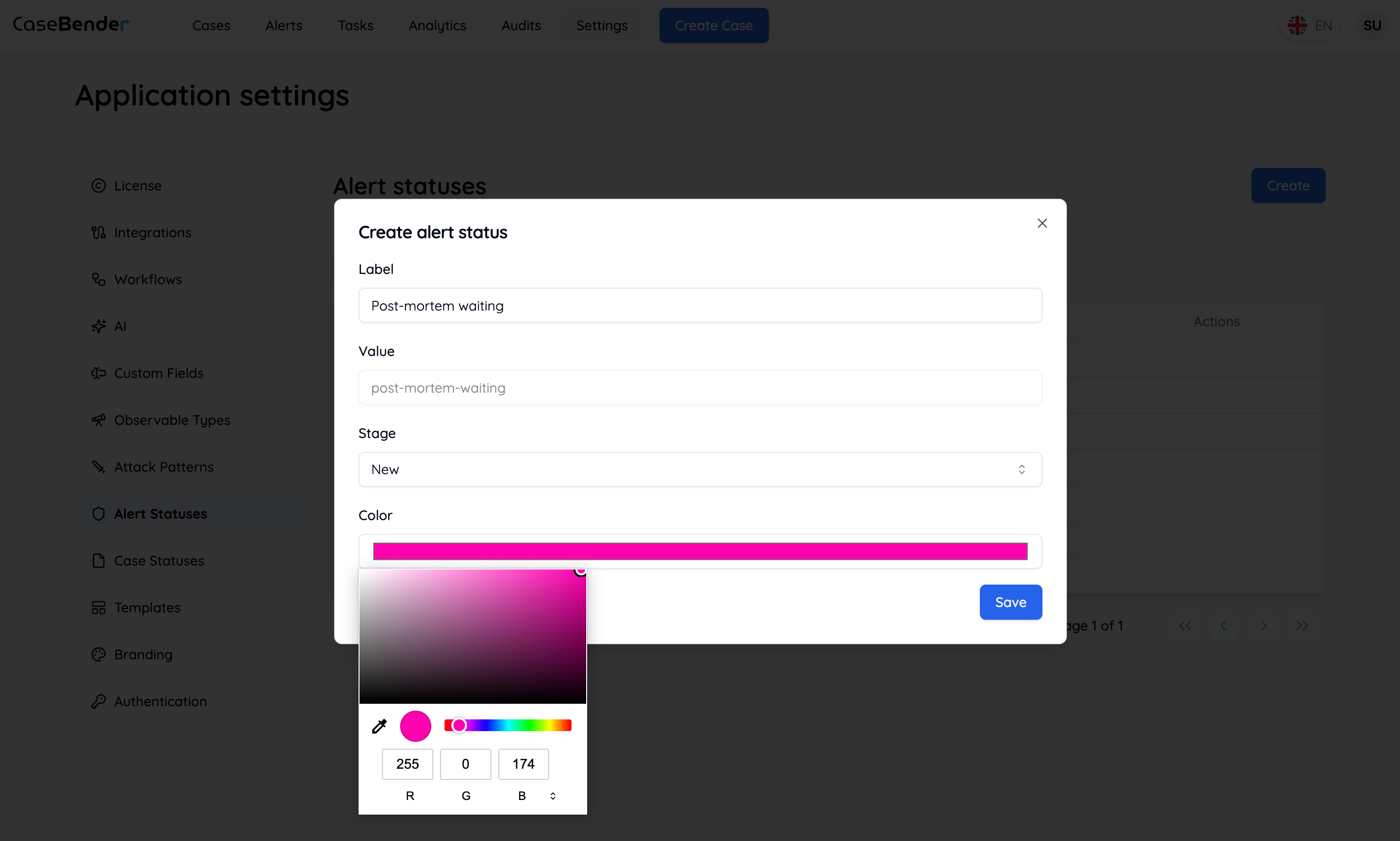
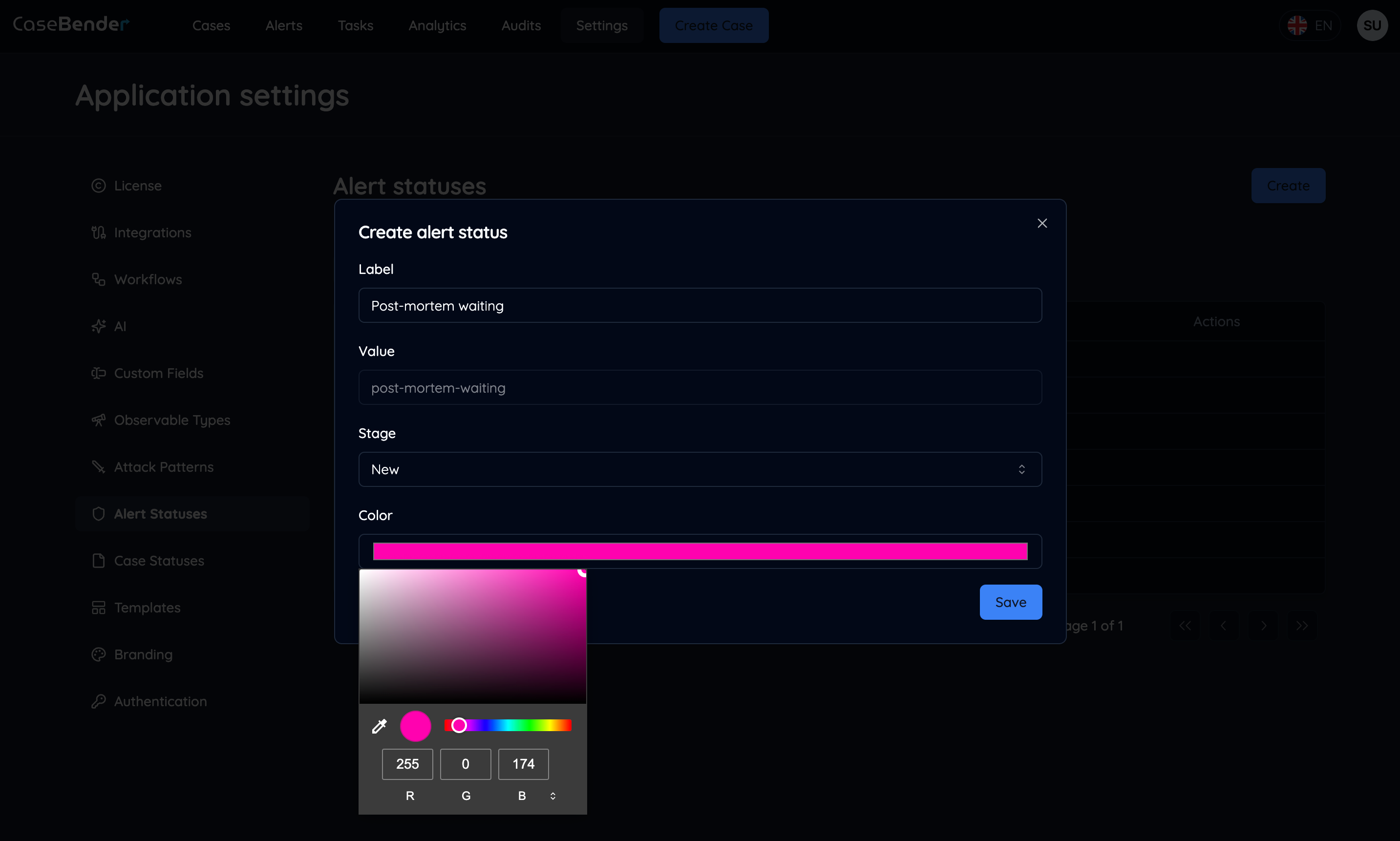
「作成」ボタンをクリックして、新しいアラートステータスを追加します:
## アラートステータスの管理
### 新しいステータスの作成
「作成」ボタンをクリックして、新しいアラートステータスを追加します:
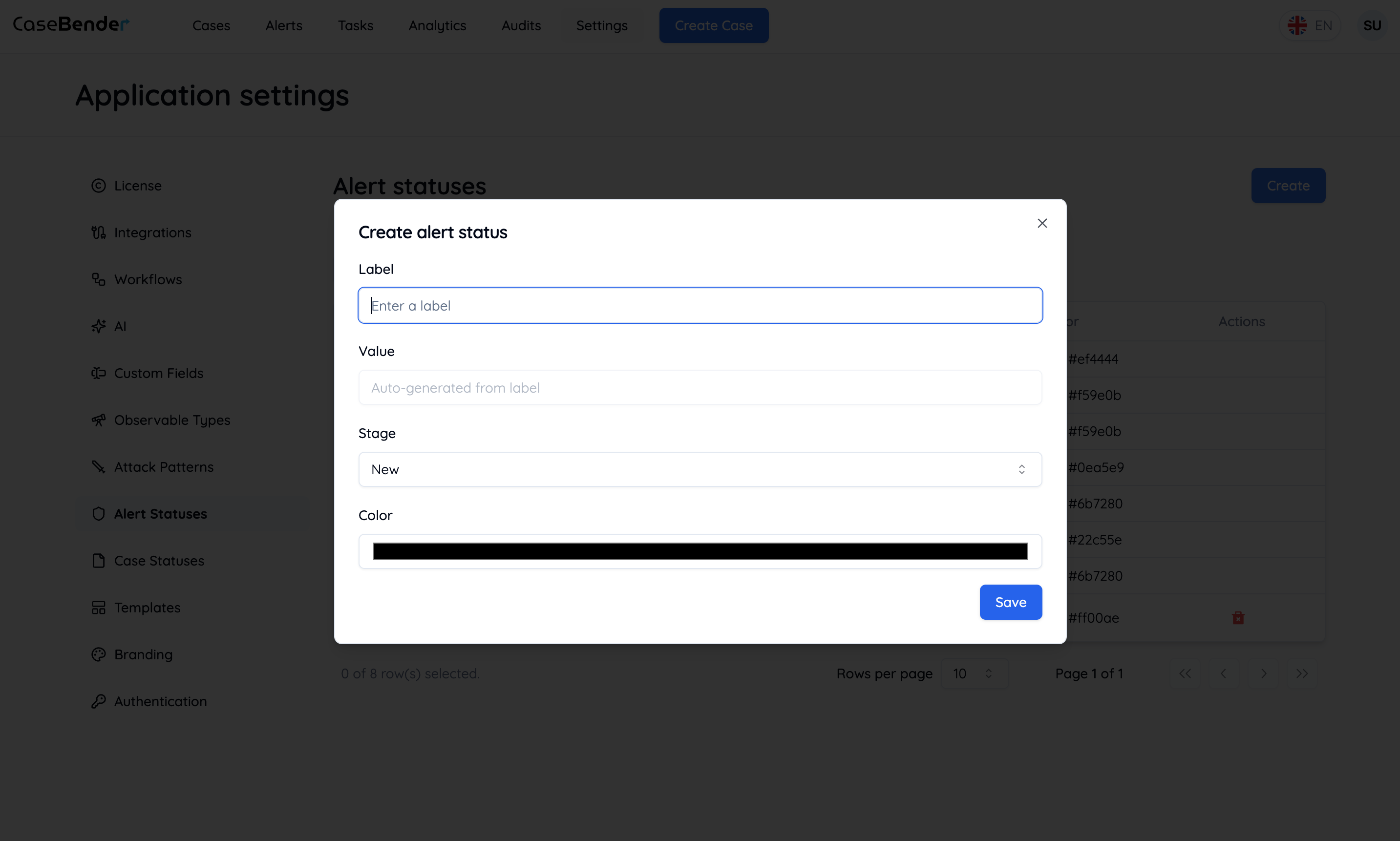
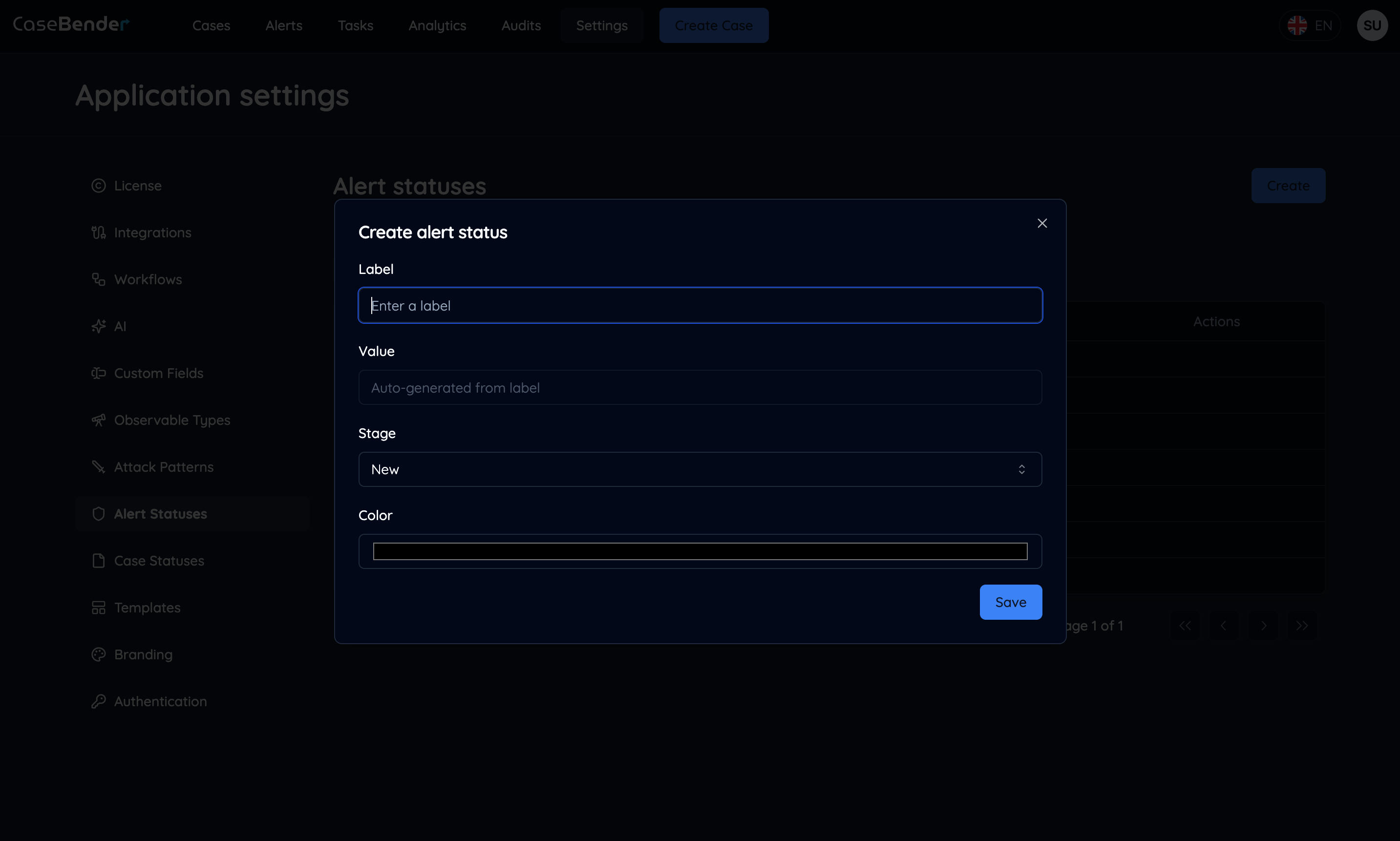 基本的なステータス情報を設定します:
* ステータス名
* 説明
* カラーインジケーター
* アイコン選択
* カテゴリ
### ステータス詳細の設定
アラートステータスの包括的な設定を行います:
基本的なステータス情報を設定します:
* ステータス名
* 説明
* カラーインジケーター
* アイコン選択
* カテゴリ
### ステータス詳細の設定
アラートステータスの包括的な設定を行います:
 詳細設定を定義します:
* ステータスの動作
* 自動化ルール
* 通知設定
* アクセス権限
### ステータス管理
設定されたアラートステータスを表示および管理します:
詳細設定を定義します:
* ステータスの動作
* 自動化ルール
* 通知設定
* アクセス権限
### ステータス管理
設定されたアラートステータスを表示および管理します:
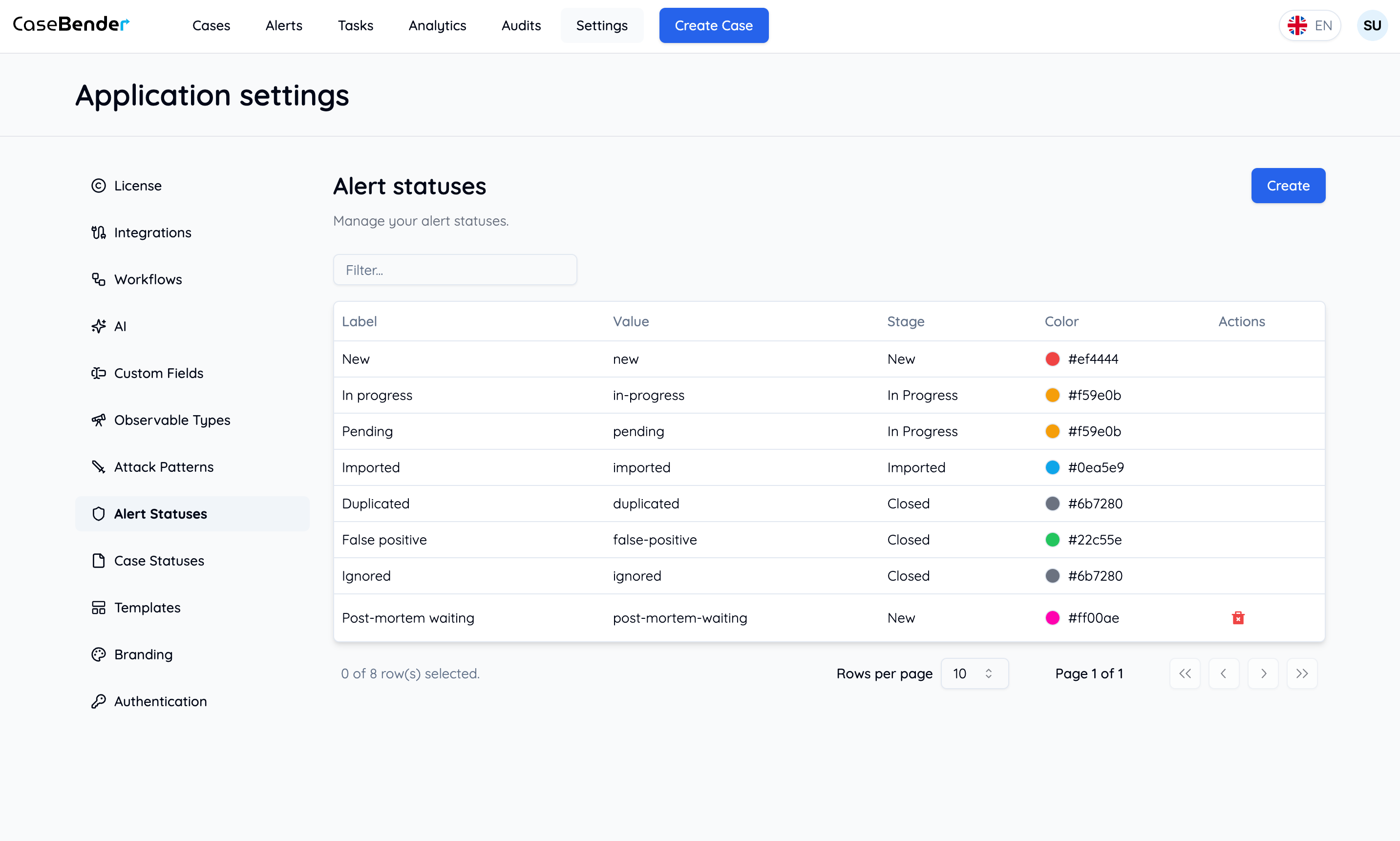
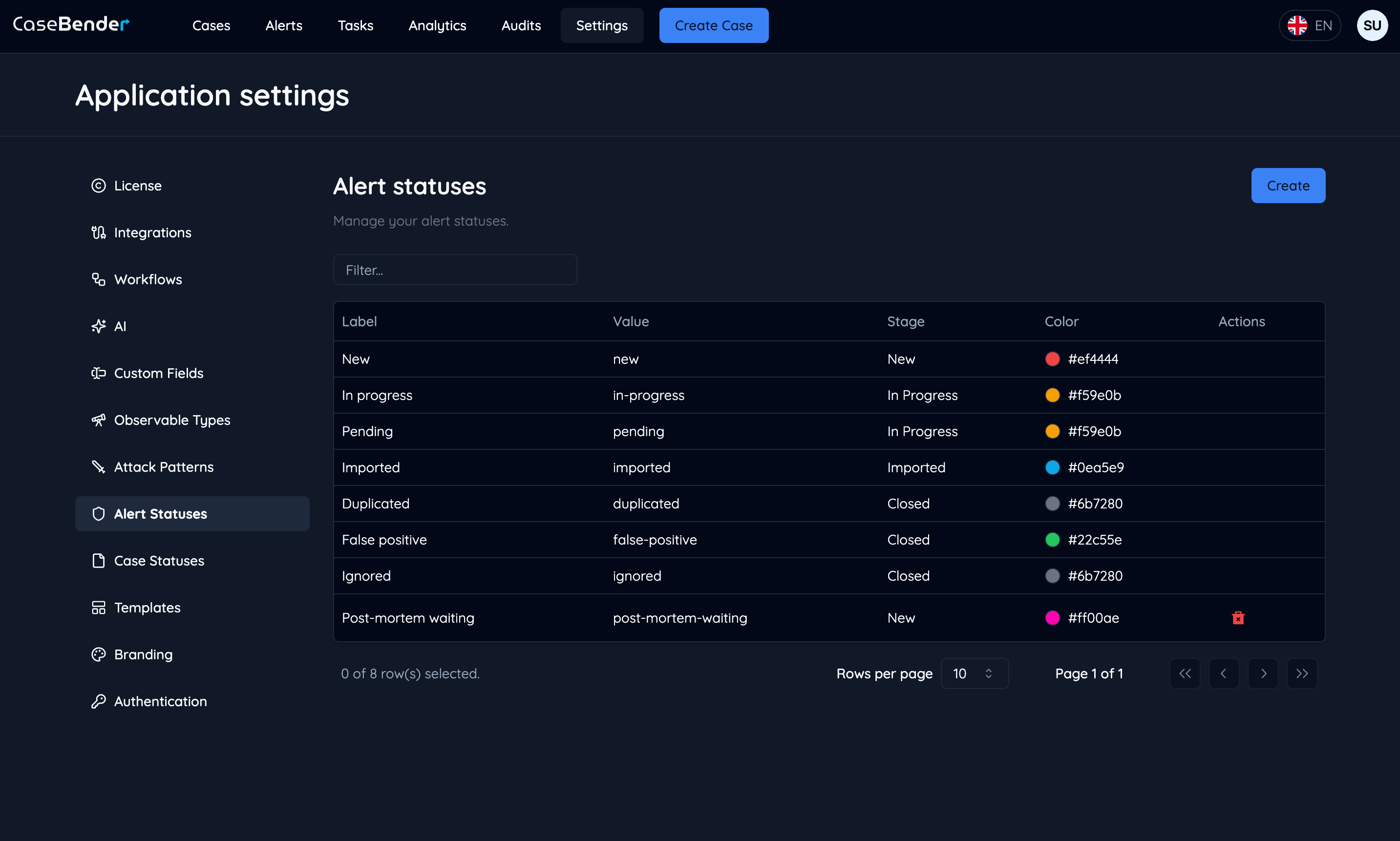 ステータスリストには以下が表示されます:
* ステータス名とアイコン
* 説明
* カテゴリ
* 作成日
* 最終更新日
* アクション
## デフォルトステータスタイプ
### 新規アラート
* 新規
* 未割り当て
* 割り当て済み
* 進行中
### 調査
* 調査中
* 情報必要
* 返答待ち
* 保留中
### 解決
* 解決済み
* 閉鎖済み
* 誤検知
* 重複
### エスカレーション
* エスカレーション済み
* 重大
* 注意必要
* レビュー待ち
## ステータス設定
### 視覚的インジケーター
* カラーコーディング
* アイコン選択
* ステータスバッジ
* 優先度マーカー
### 動作設定
* 自動遷移ルール
* 時間ベースのトリガー
* 必須フィールド
* ステータスの依存関係
### アクセス制御
* ロールベースのアクセス
* チーム権限
* ステータス制限
* 変更権限
## ベストプラクティス
### ステータスデザイン
* 明確で説明的な名前を使用
* 一貫した命名を維持
* 直感的な色を選択
* 適切なアイコンを選択
### ワークフロー統合
* 論理的な進行を定義
* 自動化ルールを設定
* 通知を構成
* 追跡を有効化
### 組織化
* 関連するステータスをグループ化
* 明確なカテゴリを定義
* 適切な順序を設定
* 階層を維持
### メンテナンス
* ステータスの使用状況を確認
* 必要に応じて更新
* 未使用のステータスを削除
* 変更を文書化
## アラートステータスの使用
### アラート管理での使用
* アラートのライフサイクルを追跡
* 進捗状況をモニタリング
* ワークロードを管理
* 対応時間を測定
### レポーティングでの使用
* ステータス分布
* 解決メトリクス
* チームパフォーマンス
* 対応分析
### 自動化での使用
* ステータスベースのトリガー
* 自動更新
* 通知ルール
* ワークフロー自動化
ステータスリストには以下が表示されます:
* ステータス名とアイコン
* 説明
* カテゴリ
* 作成日
* 最終更新日
* アクション
## デフォルトステータスタイプ
### 新規アラート
* 新規
* 未割り当て
* 割り当て済み
* 進行中
### 調査
* 調査中
* 情報必要
* 返答待ち
* 保留中
### 解決
* 解決済み
* 閉鎖済み
* 誤検知
* 重複
### エスカレーション
* エスカレーション済み
* 重大
* 注意必要
* レビュー待ち
## ステータス設定
### 視覚的インジケーター
* カラーコーディング
* アイコン選択
* ステータスバッジ
* 優先度マーカー
### 動作設定
* 自動遷移ルール
* 時間ベースのトリガー
* 必須フィールド
* ステータスの依存関係
### アクセス制御
* ロールベースのアクセス
* チーム権限
* ステータス制限
* 変更権限
## ベストプラクティス
### ステータスデザイン
* 明確で説明的な名前を使用
* 一貫した命名を維持
* 直感的な色を選択
* 適切なアイコンを選択
### ワークフロー統合
* 論理的な進行を定義
* 自動化ルールを設定
* 通知を構成
* 追跡を有効化
### 組織化
* 関連するステータスをグループ化
* 明確なカテゴリを定義
* 適切な順序を設定
* 階層を維持
### メンテナンス
* ステータスの使用状況を確認
* 必要に応じて更新
* 未使用のステータスを削除
* 変更を文書化
## アラートステータスの使用
### アラート管理での使用
* アラートのライフサイクルを追跡
* 進捗状況をモニタリング
* ワークロードを管理
* 対応時間を測定
### レポーティングでの使用
* ステータス分布
* 解決メトリクス
* チームパフォーマンス
* 対応分析
### 自動化での使用
* ステータスベースのトリガー
* 自動更新
* 通知ルール
* ワークフロー自動化